Results for "writing"
242 matching results across tools, Boxes, comparisons, alternatives, and categories.
Tools(230)
View all 230 tools
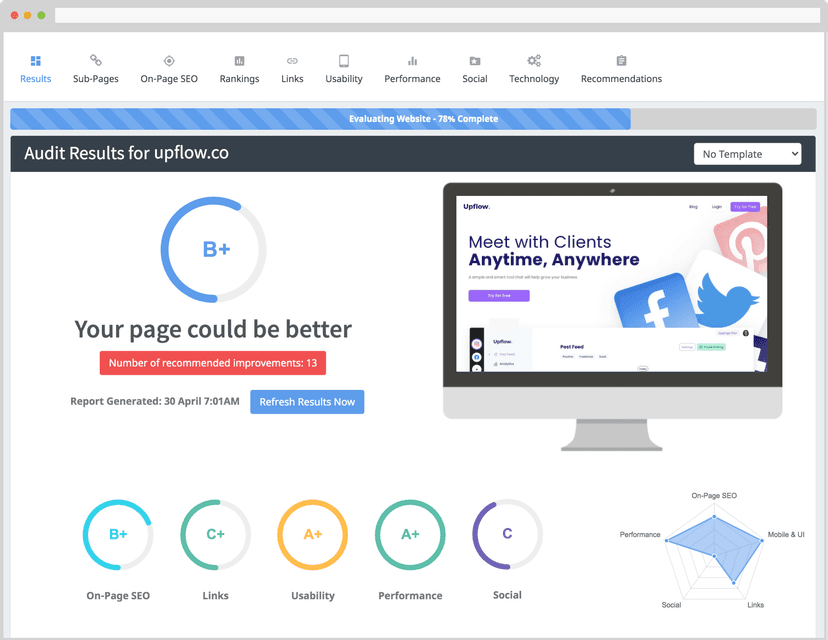
AI-powered SEO writing tool that researches, writes, and optimizes long-form blog content to rank on Google, with keyword research, competitor insight...
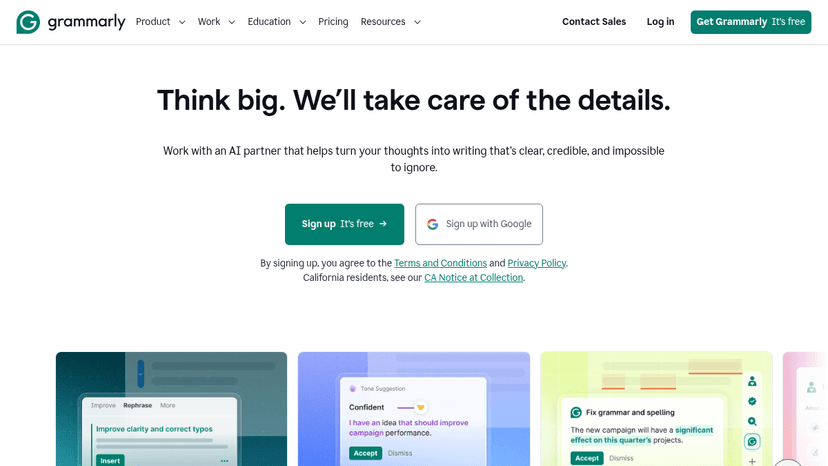
Free AI writing assistant that helps you write clear, credible text across any app or website — with grammar checks, tone adjustments, and AI-powered ...

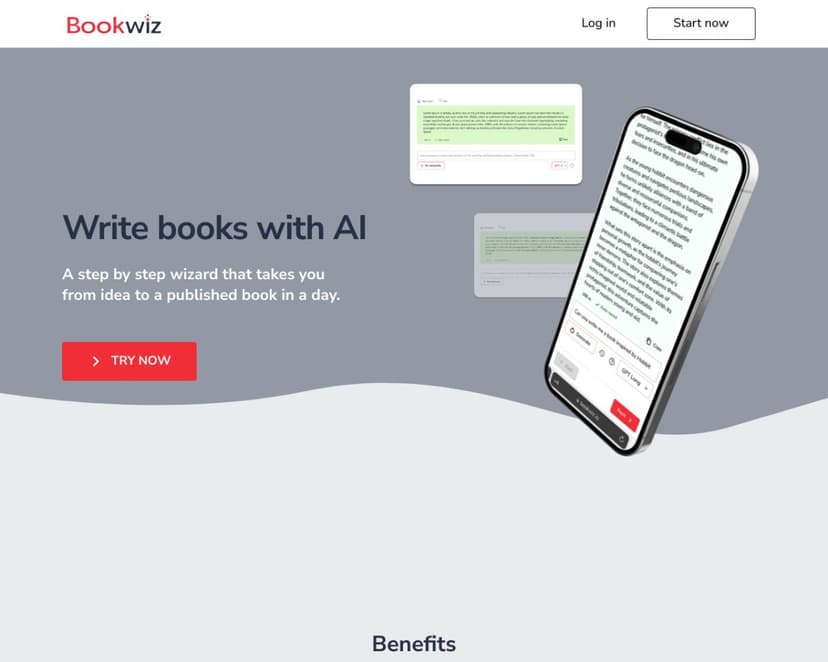
Discover Bookwiz, the AI-powered platform that helps authors write better stories with ease. Explore features, pricing, and how it simplifies the book...
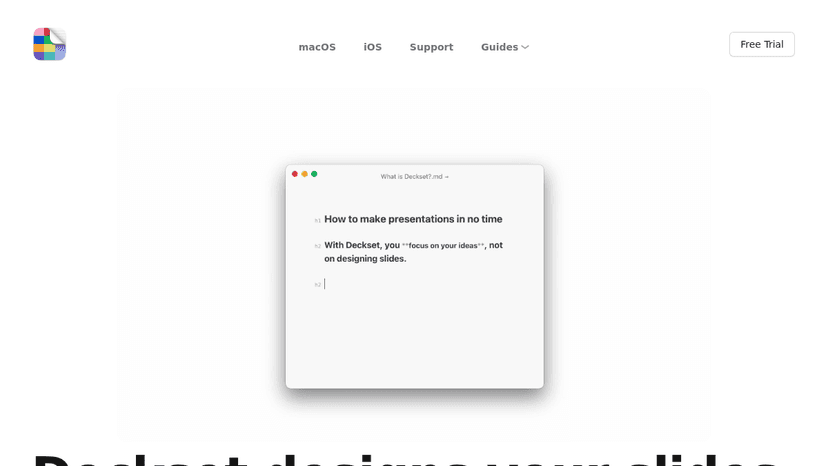
Write presentations in Markdown using any text editor, and Deckset automatically designs your slides on macOS and iOS
Transform your writing process with ChatGPT Writer. Effortlessly create emails, messages, and more using advanced AI technology. Discover its features...

Discover Textero, an AI-driven tool that helps students and researchers write essays, summarize texts, and conduct research efficiently. Learn about i...
Tool Comparisons(3)
Categories(9)
View all 9 categoriesAI Assistants
AI assistants range from conversational tools for writing and research to services that work across email, calendars and team chat. ChatGPT and Google Gemini illustrate the general assistant role; Town and Lindy focus on connected administrative work. The listings also include mobile AI workspaces and team-oriented assistants, so their capabilities and setup requirements differ. Start with a repeatable task and the information needed to complete it. Compare file support, source visibility, integrations, memory controls and usage limits. Check whether a product only prepares a draft or can also take actions in connected applications, and how you review those actions. Test output against a known example before relying on it. Confirm how connected data is stored, which permissions are required and whether access can be revoked. Mobile or open-source clients may need separate model access, so check the complete setup rather than only the app price.
Browser Extensions
Browser extensions add focused tools to the pages and tasks you already use. These listings include ColorZilla for color work, Screenity for recordings, Keywords Everywhere for keyword research, Axe DevTools for accessibility checks and writing or caption utilities. Choose by the task you want to complete rather than the size of a feature list. Confirm browser compatibility and where the extension runs: on selected sites, individual tabs or all pages. An editor add-on is a different installation target from a browser extension, so check the product’s actual environment before adding it to your shortlist. Review requested permissions, account requirements and how page content or recordings are handled. Test on an ordinary task, check export quality and watch for conflicts with other extensions. Compare any subscription or usage credits as well as the extension price, and retain only tools that earn a place in your workflow.
Content Optimization
Content optimization tools help research a topic, prepare a brief and improve a draft or existing page. Listings include Content Harmony for research and briefs, PageOptimizer Pro for on-page analysis, and writing workflows such as GrowthBar and Outranking. Rankability, Scalenut and other platforms also connect content work with search visibility measurement. Choose around the stage that slows your team down: research, outlining, editing or deciding which pages to refresh. Compare evidence behind recommendations, competitor analysis, language support, CMS integrations and collaboration. Check whether pricing counts briefs, articles, audits or tracked pages. Use content scores as prompts for editorial review rather than targets to satisfy mechanically. Address the reader’s actual question, verify factual claims and add examples or experience relevant to the page. Test suggested changes on existing content and measure the result before scaling an automated publishing workflow.
Development
Building software involves more than writing code. This collection covers the work around it: Git clients such as Fork, browser and visual testing with BrowserStack and Percy, API documentation, and build and deployment tools. Browse the topic links to separate everyday development utilities from systems your whole engineering team will use. Choose around a specific bottleneck. For testing, check browser coverage and how failures reach your team; for API documentation, check compatibility with your API definitions; for delivery, check your hosting targets and pipeline setup. A tool that fits your existing stack is usually easier to adopt than one that requires changing the entire workflow.
Email Marketing
Email marketing involves writing, designing, sending and improving messages, and this collection covers those separate jobs. TOPOL and Chamaileon support visual email creation; Mailchimp manages campaigns and audiences; Postmark addresses delivery workflows. Really Good Emails and Good Copy provide examples, while development resources support teams that build templates in code. Choose around the gap in your setup. An email editor may export a template without managing subscribers or sending campaigns. Compare reusable blocks, collaboration, HTML export and integration with your sending platform. For campaign software, inspect segmentation, automation and reporting. Test a real email on mobile and in the clients your audience uses. Check links, fallback content, unsubscribe behavior and how transactional messages are handled alongside marketing campaigns. Compare charges for contacts, sends and seats, and keep copy and design references tied to the purpose of your own message.
Frontend Development
Frontend development tools are most useful when they sit close to the actual work: writing components, fixing layout bugs, reviewing state logic, and turning rough UI ideas into usable code. AI tools in this category can help generate React components, explain unfamiliar codebases, convert designs into HTML and CSS, or refactor a messy form before it ships. Tools like Cursor, v0, and GitHub Copilot are common choices, especially when developers want faster iteration without giving up control of the code. A frontend engineer might paste in a clunky dashboard component, ask for cleaner responsive behavior, then review the output line by line before committing anything. The good tools make reasonable guesses and expose their logic. The bad ones hide complexity behind confident snippets. Frontend still rewards taste, restraint, and a sharp eye for broken edge cases.