Best Developer Tools in 2026
The best AI developer tools fit into the loop developers already live in: reading code, changing it, testing it, reviewing the diff, and figuring out why something broke. They help explain unfamiliar repos, write unit tests, generate small chunks of boilerplate, debug failing builds, and clean up code that has grown awkward over time.
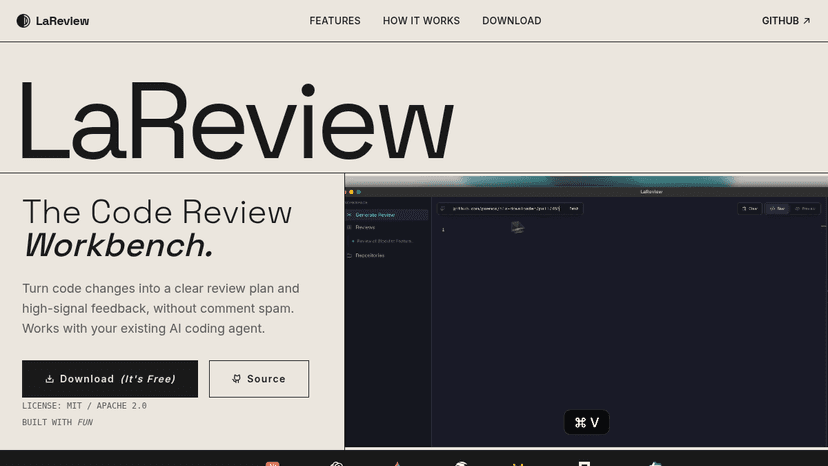
Turn code changes into structured review plans and high-signal feedback — local-first, free, and built for senior engineers who value depth over comme...
Discover Tamagui, the versatile UI library and style system for React Native and Web. Boost performance and streamline development with cross-platform...
Discover Aurora Editor, a community-built IDE for macOS offering native performance and advanced features. Explore its capabilities, pricing, and bene...
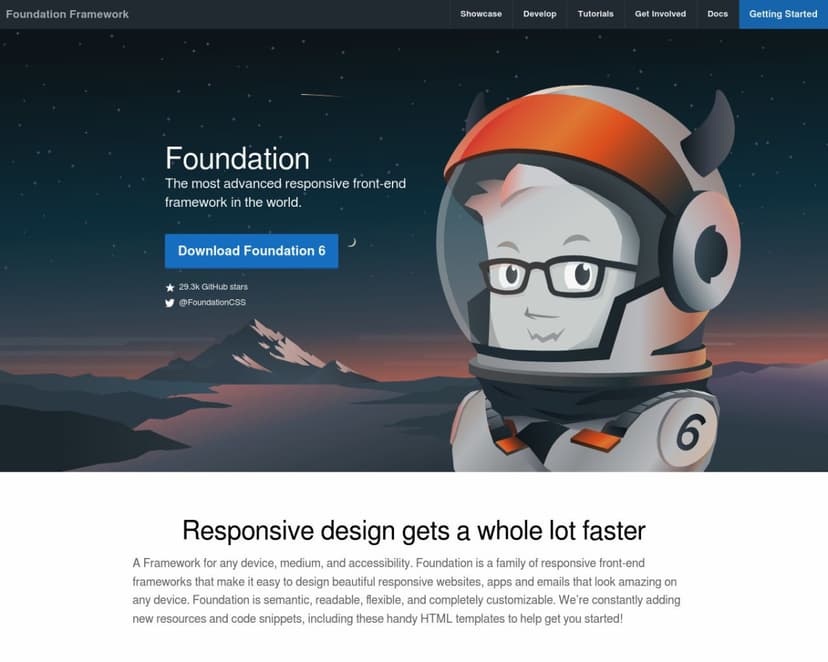
Discover Foundation, the most advanced responsive front-end framework for creating beautiful websites and emails. Explore features, pricing, and benef...
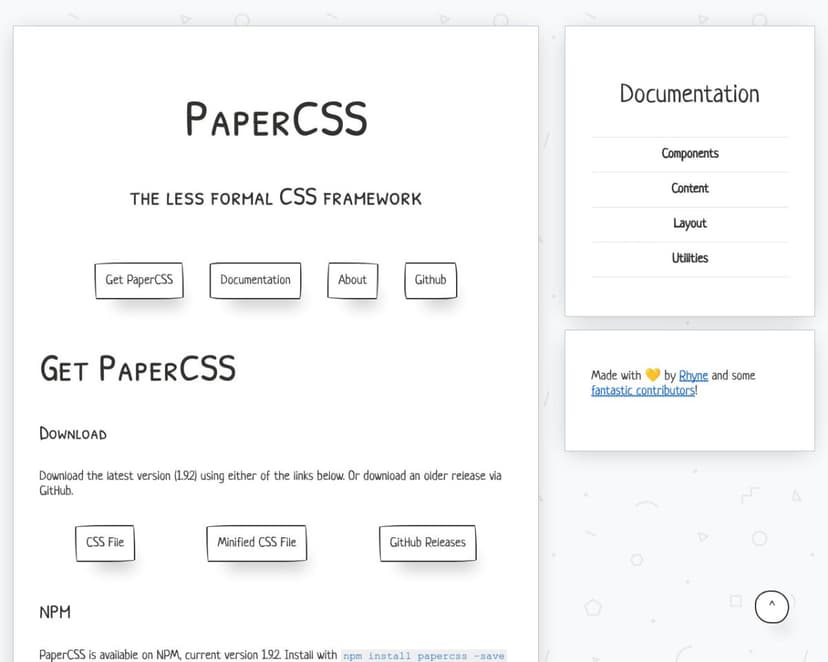
Discover PaperCSS, the playful CSS framework that brings a hand-drawn, paper-like aesthetic to your web projects. Explore features, pricing, and benef...

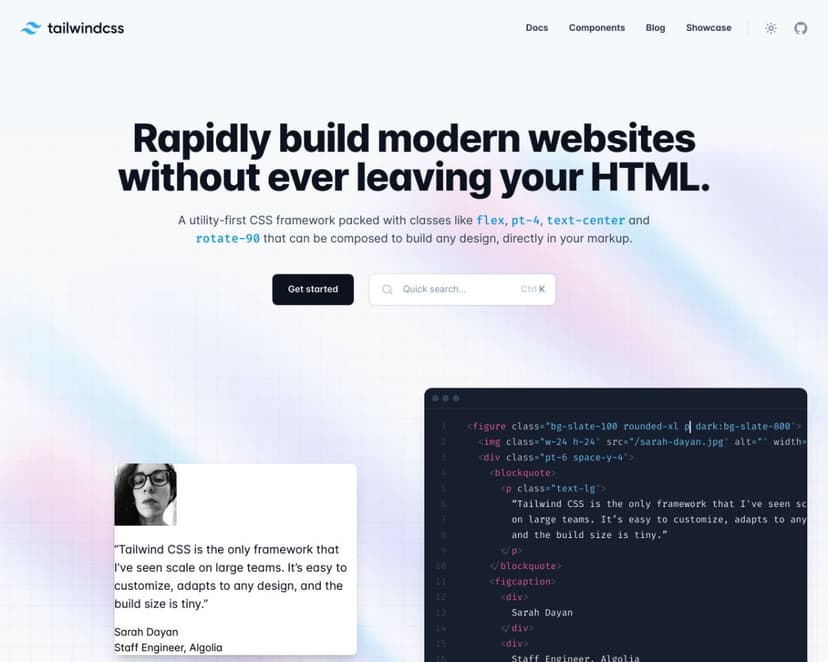
Discover Tailwind CSS, the utility-first CSS framework for building responsive, customizable websites quickly and efficiently. Explore features, prici...

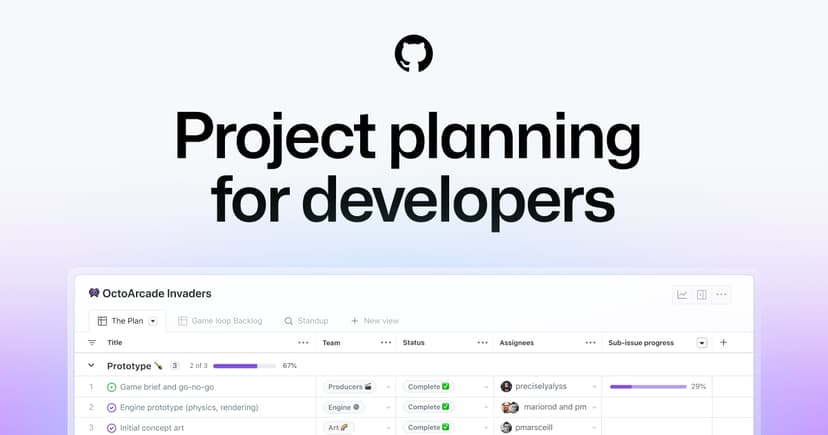
Track issues, break complex work into sub-issues, and plan projects with custom fields and automated workflows — built into every GitHub repository.


Delegate coding tasks from Slack, Linear, or GitHub to cloud agents, then review the pull requests they return.
Self-hosted file manager for your Linux server — browse storage, upload whole folders, edit code with Monaco, and share files with expiry and permissi...


Devin plans, writes, tests, and ships production code autonomously, working inside your codebase and the tools your team already uses.


Tell Pazi your business idea and it assembles an AI team to research, launch your website, accept payments, and grow — while you stay in charge from o...

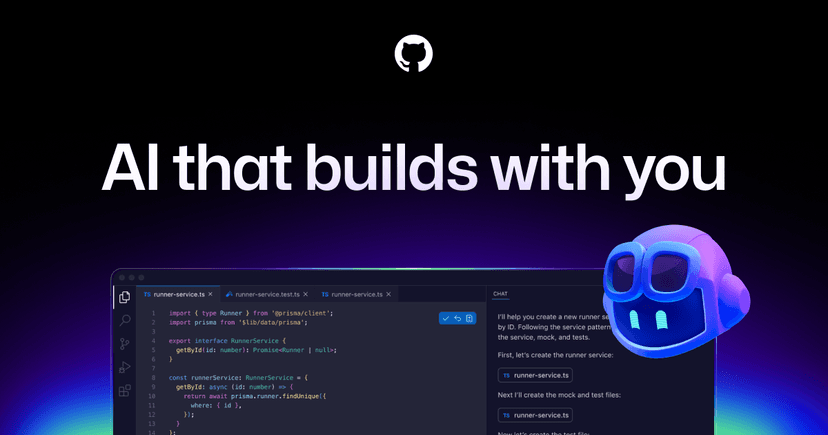
GitHub Copilot is an AI coding agent that completes code, explains concepts, and lets you assign work to agents across the editor, CLI, and GitHub.

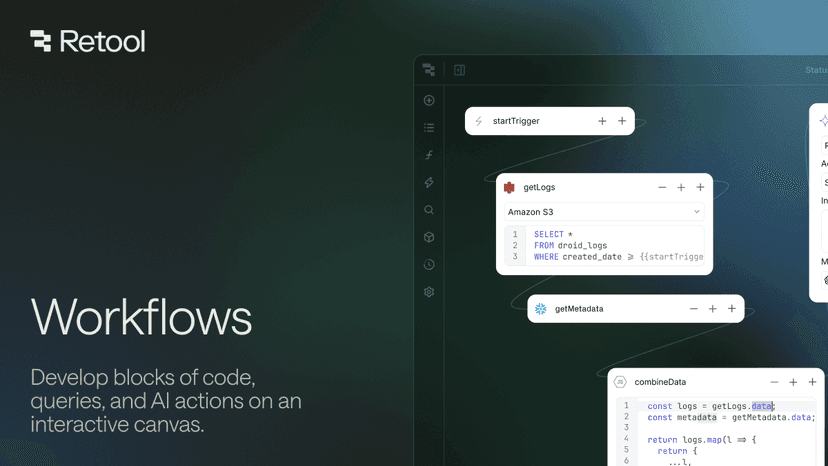
Build, deploy, and govern production-ready workflow automations — connect any database, API, or service, write logic in code, queries, or AI, and trig...

Give AI agents real browser access to the whole web with Search and Fetch APIs, plus browser-as-a-service to navigate, log in, and act on any website ...
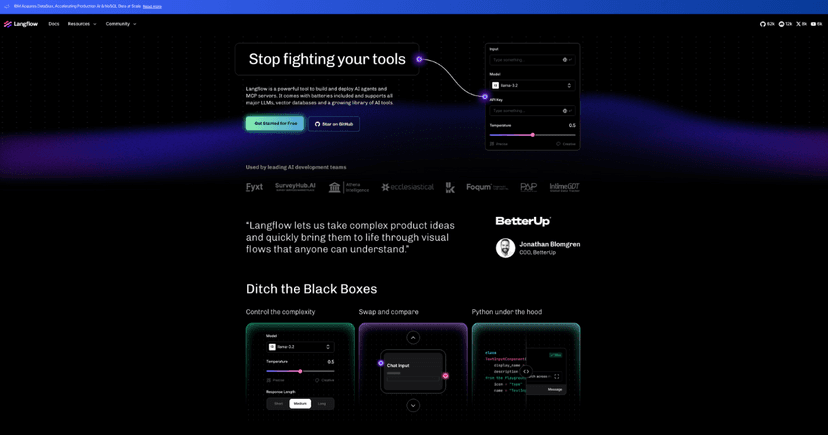
Build and deploy AI agents and RAG applications with visual drag-and-drop flows, Python customization, and free enterprise-grade cloud hosting
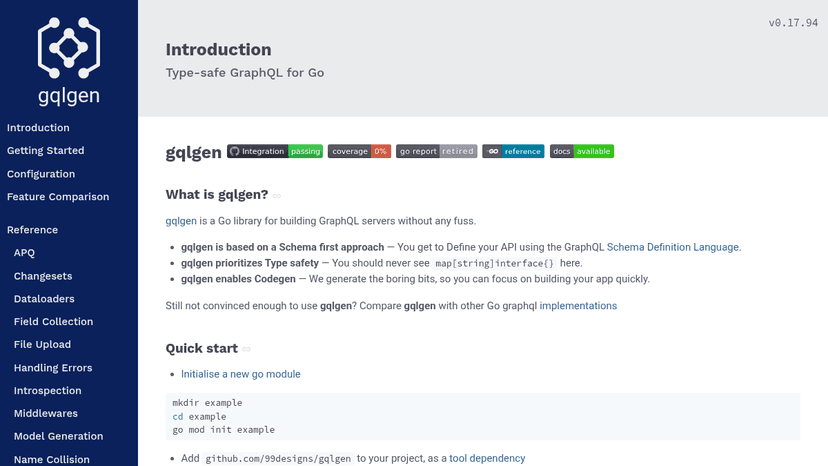
Type-safe GraphQL server library for Go with schema-first code generation
Connect agents and apps to GraphQL and REST APIs with proven infrastructure trusted by enterprise leaders.


Open-source headless CMS that turns content models into instant REST and GraphQL APIs, fully customizable and self-hostable.
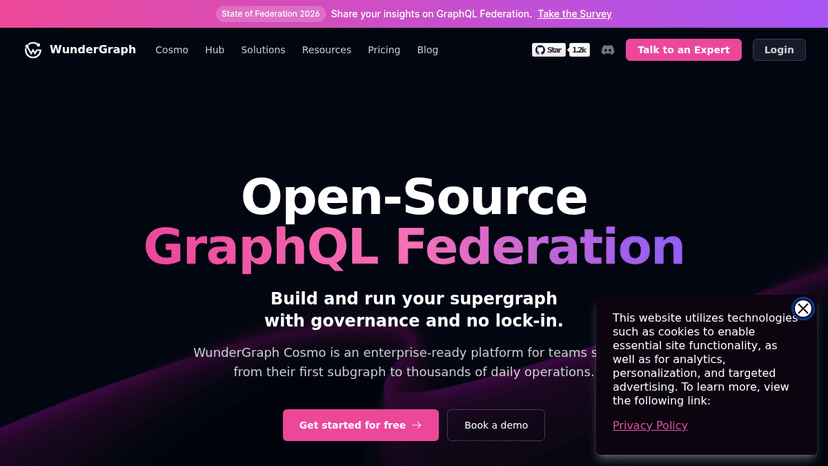
Build and run your supergraph with governance and no lock-in — from your first subgraph to thousands of daily operations.

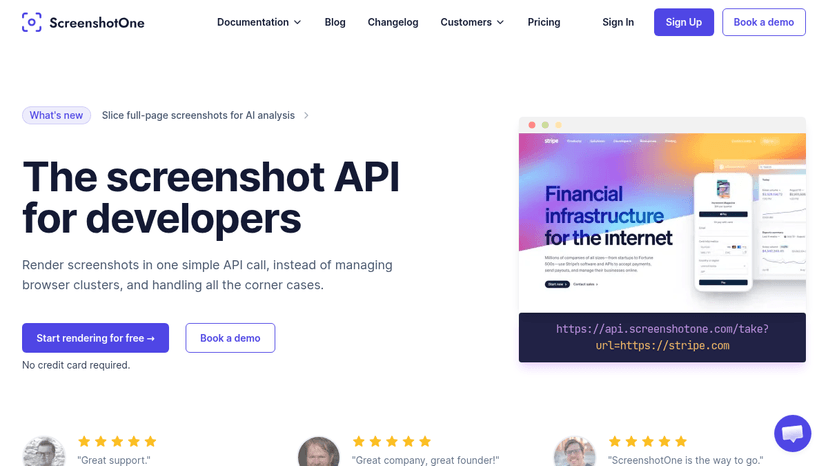
Render website screenshots with one API call — block cookie banners, remove ads, and capture full-page content without managing browser infrastructure
About Developer Tools
Tools like GitHub Copilot, Cursor, and Replit are useful when they understand enough context to act like a careful pair programmer instead of a snippet generator. A frontend developer might paste in a tangled React component, ask for smaller hooks and better test coverage, then inspect the diff before merging. That is the right bargain: less grunt work, no outsourcing of judgment.
Weak tools encourage copy-paste confidence. Strong ones make the next commit easier to understand, review, and maintain. If a tool cannot explain its change clearly, it should not be anywhere near production code.
Compare top 5 Developer Tools
Side-by-side highlights for the top-ranked products in this category. Products whose main category this is come first, then by featured placement, upvotes, ratings, and review count.
| Compare |  LaReview Product page | T Tamagui Product page | A Aurora Editor Overview Product page | F Foundation Product page | P PaperCSS Product page |
|---|---|---|---|---|---|
| Best for | Turn code changes into structured review plans and high-signal feedback — local-first, free, and built for senior engineers who value depth over comment spam. | Write less, run faster — a cross-platform React and React Native style library with an optimizing compiler, typed UI kit, and atomic CSS for web and native apps. | A community-built IDE for macOS delivering native performance and advanced developer features — built by developers, for developers. | Build responsive websites, apps, and HTML emails for any device — semantic, customizable, and backed by professional training and certification. | A hand-drawn, sketchy CSS framework for building web UIs with a casual, informal aesthetic — no heavy setup, no subscription, just drop in and go. |
| Pricing | Free | Freemium | — | Freemium | Free |
| Platforms | macOS, Linux, Windows | Web, iOS, Android | macOS | Web | Web |
| Rating | — | — | — | — | — |
| Upvotes | 0 | 0 | 0 | 0 | 0 |
| Verified | No | No | No | No | No |
| Launch date | — | — | — | — | — |
Developer Tools FAQ
Common questions about this category, how we rank products, and how often the page is refreshed.
What are the best Developer Tools on MazikBox?
The top-ranked Developer Tools products right now are LaReview, Tamagui, and Aurora Editor Overview. The comparison table above shows them side by side.
How do you rank Developer Tools products?
Products whose main category is Developer Tools (or one of its subcategories) are listed first, followed by products that also fit the category. Within each group we order by featured placement, then upvotes, average rating, review count, and newest listing. Featured placement is an editorial choice, not a quality score.
What pricing models are common for Developer Tools?
On this page you will find free and freemium options, depending on the tool. Check the comparison table and individual product pages for specifics.
Which platforms do these Developer Tools support?
The products currently shown in this category support macOS, linux, windows, web, iOS, and android workflows. Platform coverage varies by tool, so compare product pages before choosing one.
How often is this Developer Tools page updated?
The category description and details were last edited on September 5, 2026. The product list, ranking, and counts update automatically as products, votes, and reviews change.
How many Developer Tools are listed right now?
MazikBox currently lists 83 Developer Tools products in this category, with more added as they meet our editorial standards and category fit.