Results for "workflow"
345 matching results across tools, Boxes, comparisons, alternatives, and categories.
Tools(308)
View all 308 tools

AI workflow automation for businesses — service ended in September 2026, with all accounts, workflows, and run history permanently deleted
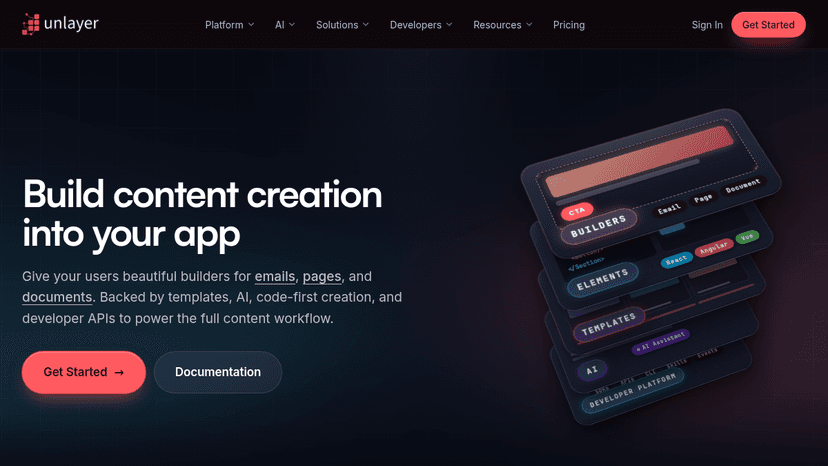
Embed visual builders for emails, pages, and documents into your app — backed by AI workflows, templates, code-first Elements, and developer APIs for ...

Automate business workflows and orchestrate AI Agents with no-code tools, natural language prompts, and enterprise-grade governance — cutting manual w...

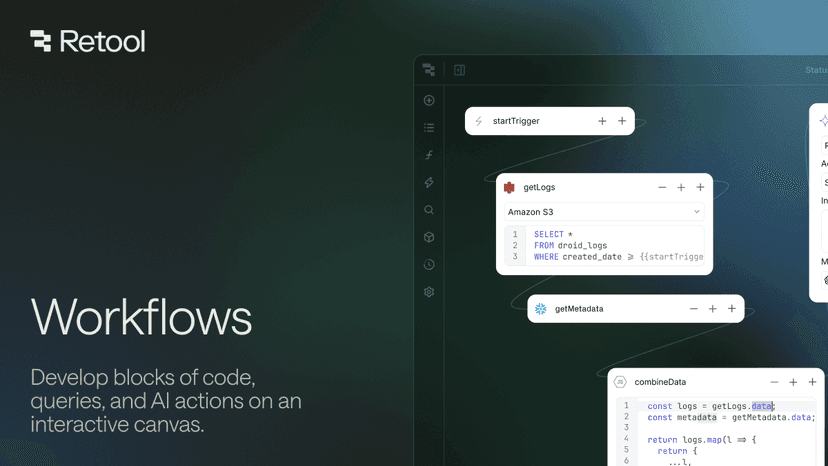
Build, deploy, and govern production-ready workflow automations — connect any database, API, or service, write logic in code, queries, or AI, and trig...

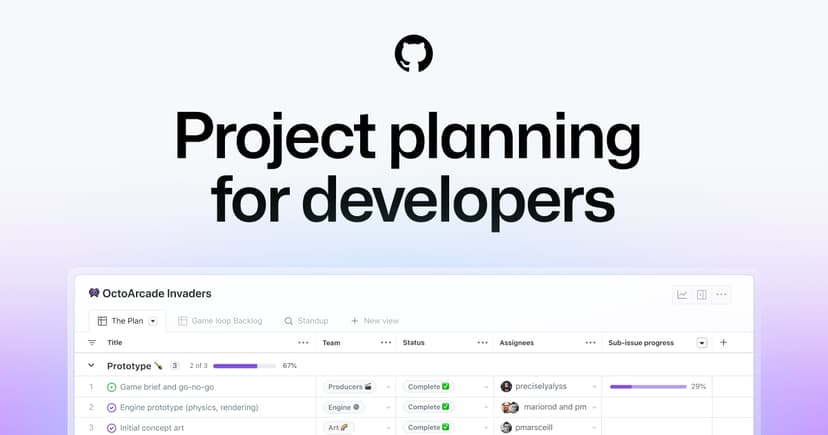
Track issues, break complex work into sub-issues, and plan projects with custom fields and automated workflows — built into every GitHub repository.

Categories(37)
View all 37 categoriesAccessibility Testing
Accessibility testing tools help surface problems during design, development and maintenance. The collection includes Axe DevTools and Pa11y for automated checks, Stark for design and product workflows, Polypane for browser-based inspection, and dedicated contrast tools. Palette checks and page audits cover different scopes, so they work best as complementary parts of a testing process. Compare the states a tool can inspect, whether it works on authenticated pages and how reports identify affected elements. For automated workflows, check how results fit your build process, how new failures are distinguished from existing ones and who receives the findings. Test key journeys manually as well as running scans: menus, forms, dialogs and validation errors need interaction checks. Record steps to reproduce each issue and retest the fix. Passing an automated scan does not establish that a whole product is accessible; it provides evidence for the checks that scan performs.
AI App Builder
Good AI app builders help turn a rough product idea into a working prototype without forcing every decision through a full development cycle. Tools like Lovable, Bolt, and Replit Agent can generate interfaces, connect basic logic, and revise features through plain-language prompts. A founder might describe a client portal, add authentication and a simple database, then test the workflow with users before hiring an engineering team. These tools are strongest when the scope is clear and the app follows familiar patterns. They become less reliable around complex permissions, unusual data models, performance constraints, and production security. Generated code still needs inspection, and polished screens can hide weak architecture. The real value is faster validation, not pretending software development has disappeared. A useful app builder gets you to an honest test sooner; a bad one just produces an impressive demo that collapses under real use.
AI & Intelligent Tools
The AI listings here range from creative tools for images and video to assistants and platforms that run business agents. An image generator, a conversational agent and an AI gateway sit at different points in a workflow. The topic links help you separate those needs before comparing individual products. Start with one repeatable task and a sample input. For creative work, evaluate the output and how easily you can revise it. For agents, examine connected tools, approval steps and run history. For infrastructure, consider monitoring and model access. Compare the cost of completing your task, including retries and model usage, rather than judging the tool only by its entry price.
AI Tools
Useful AI tools solve specific problems, not vague “productivity” fantasies. This category covers software that helps people write, research, code, design, analyze data, generate images, summarize documents, automate support, and build faster without pretending the work does itself. A marketer might use ChatGPT to draft campaign angles, Claude to clean up a long strategy document, and Midjourney to explore visual directions before handing the best ideas to a designer. The real value is not in replacing skill, but in reducing the slow parts around it: first drafts, repetitive edits, messy notes, blank screens, and tedious formatting. Good AI tools fit into an existing workflow without making every task feel like prompt engineering homework. Weak ones produce shiny output that still needs more fixing than starting from scratch. The best AI tools feel boring in the right way: dependable, focused, and useful after the novelty wears off.
AI Workflow Automation
AI workflow automation is useful when a process needs both app connections and interpretation of information. Examples include extracting details from an incoming request, summarizing a document and passing the result into another system. Workato, Activepieces and StackAI are among the platforms listed here; their setup and intended users differ. Map one workflow from trigger to finished result. Check the exact actions your connected apps support, where a person can review an AI decision, and what happens when a step fails. Test ambiguous inputs as well as the normal case. Include model usage and repeated runs in your cost comparison, especially when a workflow will process many records.
Automation & Integrations
Connecting two apps is only useful if the right information reaches the right step. This collection includes app connectors such as Pabbly Connect and Integrately, approval workflows such as Cflow, and developer-oriented automation such as Retool Workflows. Larger integration platforms appear alongside them, serving different levels of complexity. Define a real trigger and inspect the exact actions supported by each connected system. Test a failed request, a repeated event and a record with missing fields. Compare retry controls, execution history and how someone is alerted when a run needs attention. Choose a workflow your team can diagnose and maintain, rather than one that only works in the initial demo.