Results for "no-code"
105 matching results across tools, Boxes, comparisons, alternatives, and categories.
Tools(94)
View all 94 tools
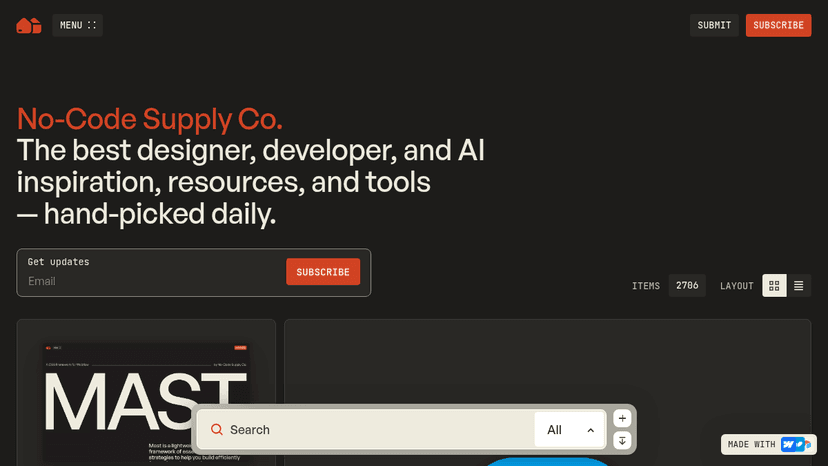
Hand-picked daily inspiration, tools, AI resources, and code snippets for designers and developers building their next website or app.

Build and govern enterprise internal tools with AI, a visual no-code editor, and coding-agent support across 100+ data sources, deployable on ToolJet ...
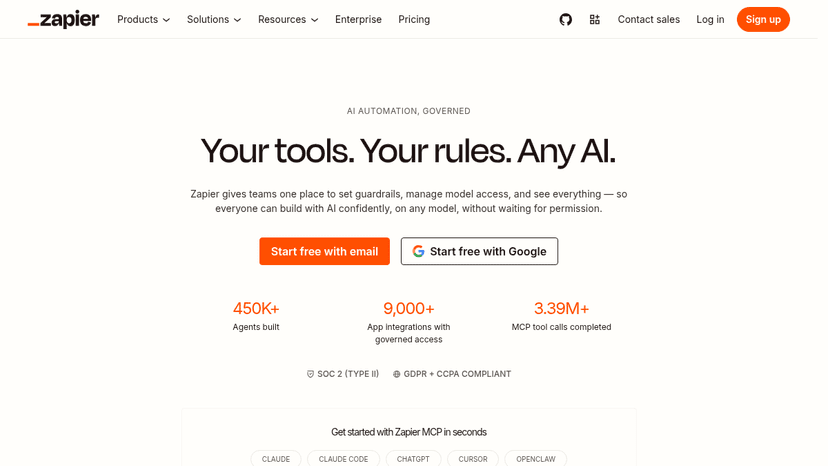
No-code automation across 9,000+ apps — build AI workflows, create AI agents, and orchestrate tasks without writing code.
Build no-code product tours, in-app announcements, and surveys that boost user activation, gather feedback, and measure what works — without writing c...
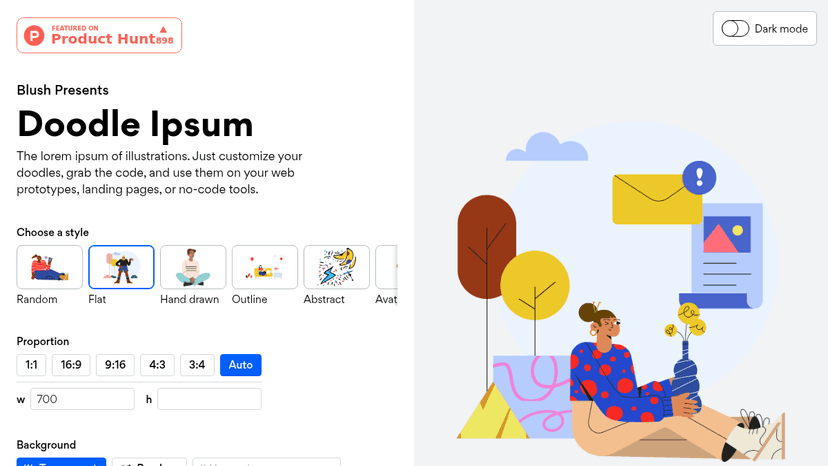
Illustration placeholders for developers — customize doodles, grab the code, and use them on web prototypes, landing pages, or no-code tools.

Build full-stack web apps with AI, fine-tune every detail in a visual no-code editor, and deploy on a global CDN or export and self-host your code.
Tool Comparisons(7)
View all 7 comparisonsSoftware Alternatives(1)
Categories(3)
No-Code & App Building
There are several ways to build an application without writing every part by hand. This collection spans visual no-code platforms, prompt-based AI builders, forms and website generation. Listings such as Dyad, Rork and Totalum show why the first question is what you want to build: a web app, a mobile app or a simpler data-collection workflow. Write down the screens, user roles and data your project needs. Then compare visual editing, authentication, integrations, deployment and access to the resulting code or data. Test a complete journey, including saving and retrieving information. A working first screen is useful, but the platform also needs to support the application after launch.
No-Code Development
No-code development covers more than building a website. Framer and Webflow support visual website work; Bubble and AI builders such as Base44 and Lovable target applications. Tally handles forms, Airtable organizes data and business workflows, and Zapier connects actions across apps. Unlayer adds an embeddable builder use case. Choose the type of project first, then compare tools that can deliver it. Build one complete user journey with realistic data before committing. Check accounts, permissions, validation, integrations and how changes move from testing to the live version. Compare ongoing costs for users, records, submissions and automation runs. Ask how you can export your data and, where relevant, your code. Visual editing can reduce development work, but someone still needs to maintain the logic and resolve failures.
No-Code Platforms
Visual no-code platforms let you assemble screens, data connections and application logic without hand-coding every element. The listings include WeWeb for web app workflows, FlutterFlow and Thunkable among mobile-focused options, and AppSheet among business app tools. Form-centered applications also appear, so start with the kind of application your users need. Prototype one complete process, such as submitting a request, reviewing it and changing its status. Check roles, validation, data relationships and how updates are deployed. Compare ownership and export options alongside the visual editor. A platform may make the first screen easy while requiring more work for the rules and integrations that make the application useful.