Results for "developer"
276 matching results across tools, Boxes, comparisons, alternatives, and categories.
Tools(258)
View all 258 tools
Discover Aurora Editor, a community-built IDE for macOS offering native performance and advanced features. Explore its capabilities, pricing, and bene...

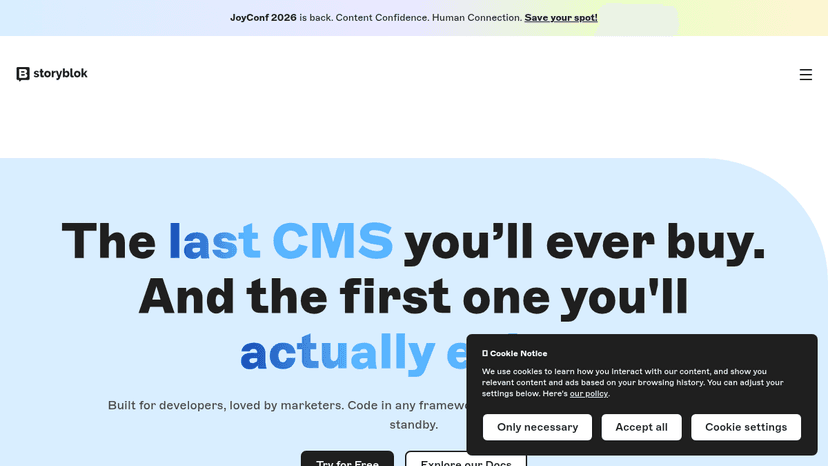
Built for developers, loved by marketers — code in any framework, edit and publish without a developer on standby

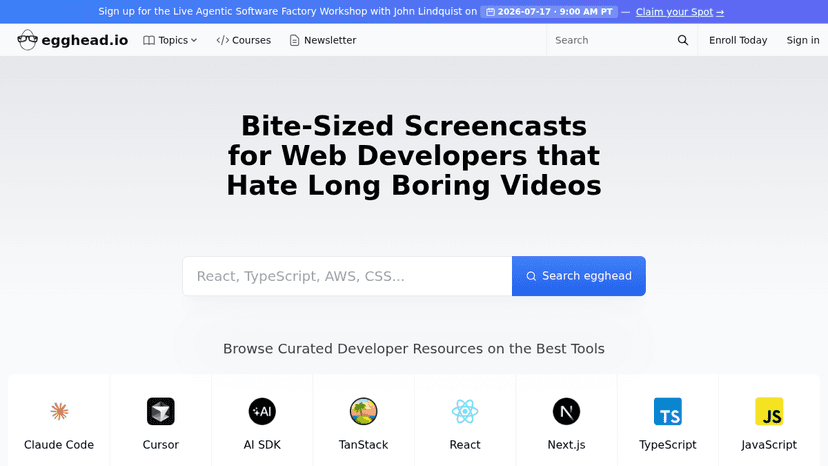
Learn modern web development through short, expert-led screencasts covering React, TypeScript, Next.js, Three.js, and AI developer tools
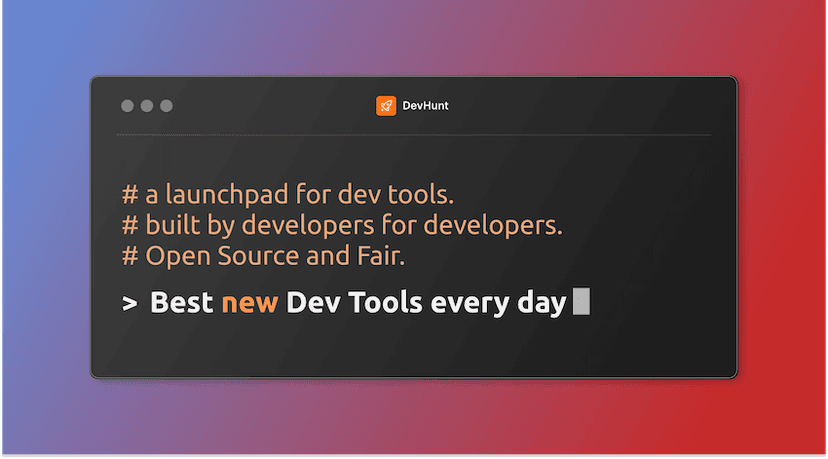
A launchpad for dev tools where developers vote, discover, and get featured — built by developers, open source, and fair.

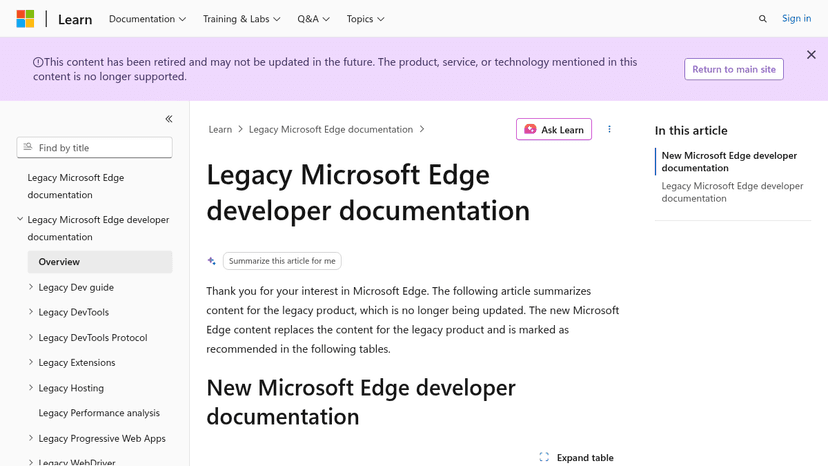
Reference documentation for the deprecated EdgeHTML browser — covers DevTools, extensions, WebView, WebDriver, PWAs, and JavaScript runtime hosting fo...

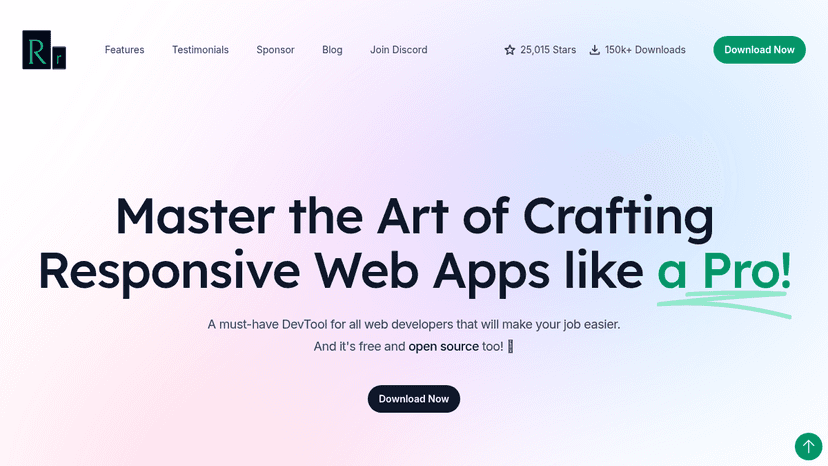
A free and open-source browser for web developers to preview responsive designs across multiple devices simultaneously, with mirrored interactions and...
Tool Comparisons(2)
Categories(16)
View all 16 categoriesAutomation & Integrations
Connecting two apps is only useful if the right information reaches the right step. This collection includes app connectors such as Pabbly Connect and Integrately, approval workflows such as Cflow, and developer-oriented automation such as Retool Workflows. Larger integration platforms appear alongside them, serving different levels of complexity. Define a real trigger and inspect the exact actions supported by each connected system. Test a failed request, a repeated event and a record with missing fields. Compare retry controls, execution history and how someone is alerted when a run needs attention. Choose a workflow your team can diagnose and maintain, rather than one that only works in the initial demo.
Collaboration & Communication
This collection has two audiences: teams that want to work together and developers adding collaboration to a product. Meeting assistants such as Granola help preserve discussion context, while Liveblocks, Yjs and TogetherJS appear among the resources for shared editing and realtime interactions. Start by choosing which of those problems you need to solve. For team software, compare searchable notes, sharing and how actions reach the people responsible. For a collaborative application, examine presence, data synchronization and behavior when users disconnect. These tools require very different levels of setup. A ready-made workspace and a developer library belong in separate shortlists, even when both are described as collaboration tools.
CSS Frameworks
Useful CSS frameworks set boundaries before styling turns into a pile of exceptions. They give developers a shared approach to spacing, grids, breakpoints, buttons, forms, and responsive behavior, which matters a lot once more than one person is touching the UI. Tailwind CSS, Bootstrap, and Bulma are common choices, but they push teams in different directions. Tailwind works well when you want control inside the markup. Bootstrap is still useful for fast internal tools and familiar interface patterns. A developer might build a pricing page with reusable cards, mobile-friendly columns, consistent button states, and a spacing scale that matches the rest of the app instead of hand-tuning every section. The risk is that the framework starts making design decisions nobody actually chose. A good CSS framework should give the team discipline, not make the product look rented.
Data & Analytics
This category covers both presenting data and understanding product behavior. Chart libraries such as Apache ECharts and D3 help developers build visualizations, Tableau Public supports sharing dashboards, and products such as Heap and Pendo focus on how people use software. They serve different audiences and should not be treated as interchangeable dashboard tools. For a report, identify the data sources and who needs access. For product measurement, define the events and questions before installing tracking. For a custom chart, check the interaction and customization you need. Consider whether data will be published publicly or kept private, and test one representative report before committing to a wider setup.
Data Visualization
Data visualization tools turn numbers into charts people can inspect and understand. These listings span dashboard builders such as Looker Studio and Tableau Public, code libraries including D3, ECharts, Chart.js and Recharts, and chart-selection references such as Data Viz Project. Choose between building a report, embedding charts in an application or exploring how to explain a dataset. Start with the question your chart should answer and the audience using it. Compare data connectors, filtering, refresh behavior, export formats and control over labels and scales. A developer library requires implementation work; a dashboard builder provides more of the reporting environment. Test with realistic data, including missing values and small-screen layouts. Make units, sources and time ranges clear. Check sharing permissions before uploading private data, particularly to public publishing services, and provide a readable alternative when an interactive chart is difficult to use.
Design Systems
A well-built design system keeps product teams from redrawing the same button, debating spacing rules, and shipping slightly different versions of the same interface. These tools organize reusable components, design tokens, usage guidelines, accessibility notes, and coded examples so designers and developers work from a shared source. Figma, Storybook, and Zeroheight are commonly used across different parts of that process. A team might update a primary button’s color token once, review the change in Storybook, and apply it across every product without fixing screens one by one. AI can help document components, detect inconsistencies, and suggest missing states, but it cannot decide which patterns deserve to become standards. A design system should make intentional work easier, not turn every interface into a rigid assembly line. The strongest systems reduce needless variation while leaving room for product-specific judgment; the weakest are component libraries nobody trusts.