Results for "marketing"
366 matching results across tools, Boxes, comparisons, alternatives, and categories.
Tools(358)
View all 358 tools

Track and increase your visibility and revenue from AI and search with 40+ SEO features — keyword research, competitor analysis, rank tracking, and AI...


Legal CRM, client intake, and marketing automation software that helps growing law firms capture more leads, automate follow-ups, and track marketing ...

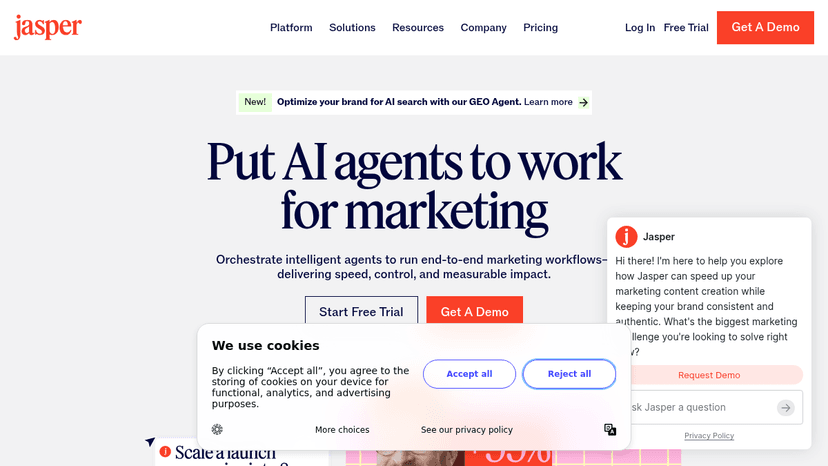
Put AI agents to work for marketing — orchestrate intelligent agents to run end-to-end marketing workflows delivering speed, control, and measurable i...


All-in-one CRM and email marketing for small businesses that organizes customer data, tracks sales pipelines, and automates campaigns — with a dedicat...

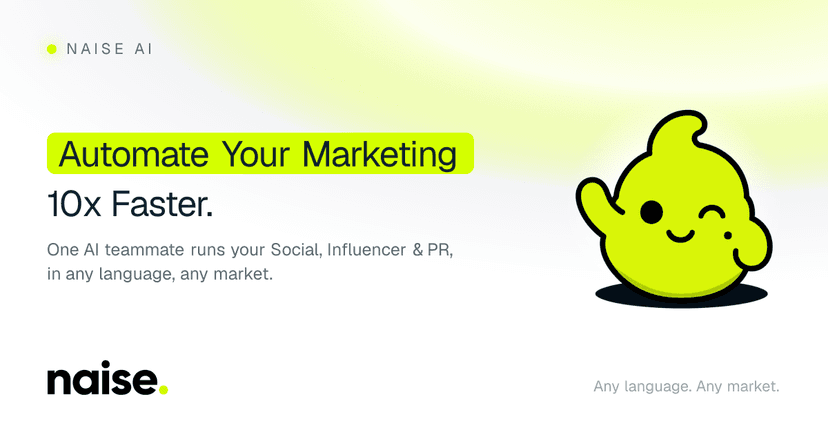
Automate social, influencer, PR, and image-generation work from one brief to publish campaigns faster in any language and market.

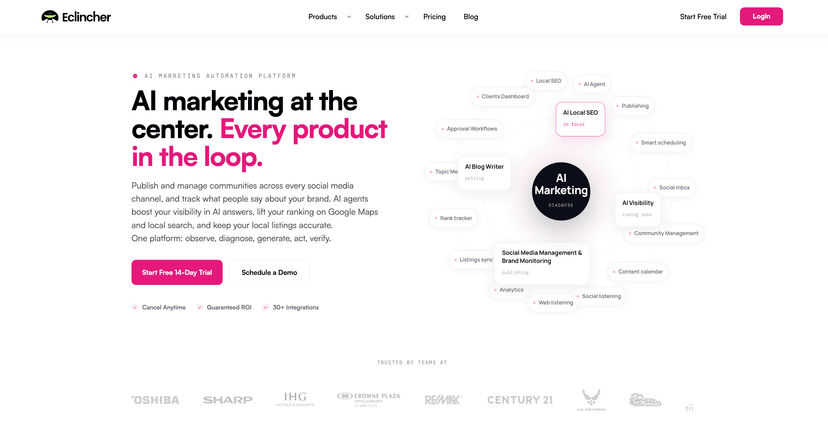
AI marketing platform that combines social media management, community moderation, and brand monitoring with AI agents that boost visibility in AI sea...
Categories(8)
View all 8 categoriesDesign Tools
The best design tools help people get unstuck without pretending the machine has taste. This category covers AI-assisted tools for mockups, brand assets, image editing, layout exploration, icon generation, UI drafts, and design handoff. Tools like Figma, Canva, Adobe Firefly, and Midjourney show up in different parts of the process, depending on whether the job is interface work, marketing design, or visual exploration. A designer might generate three rough campaign directions, pull the strongest one into Figma, then refine typography, spacing, and hierarchy by hand. That is where these tools are useful: they create material to react to, not finished judgment. The weak tools produce glossy sameness and call it creativity. The strong ones help a team test visual ideas faster while still leaving the final decisions to someone with standards.
Email Marketing
Email marketing involves writing, designing, sending and improving messages, and this collection covers those separate jobs. TOPOL and Chamaileon support visual email creation; Mailchimp manages campaigns and audiences; Postmark addresses delivery workflows. Really Good Emails and Good Copy provide examples, while development resources support teams that build templates in code. Choose around the gap in your setup. An email editor may export a template without managing subscribers or sending campaigns. Compare reusable blocks, collaboration, HTML export and integration with your sending platform. For campaign software, inspect segmentation, automation and reporting. Test a real email on mobile and in the clients your audience uses. Check links, fallback content, unsubscribe behavior and how transactional messages are handled alongside marketing campaigns. Compare charges for contacts, sends and seats, and keep copy and design references tied to the purpose of your own message.
Marketing Automation
Marketing automation can mean publishing a social calendar, coordinating email and CRM activity, or connecting a form to a follow-up workflow. This collection mixes campaign tools such as SocialBee and Act! with general automation platforms such as Zapier and n8n. Chamaileon also appears as a resource for the email creation stage. Map how a contact moves through your process: the trigger, the information collected, the next message and the condition that ends the sequence. Check the exact connections between your forms, CRM and sending tools. Test contact preferences, duplicate submissions and failed steps before increasing volume. Compare the cost of a completed workflow as well as the campaign features you need.
Marketing & Growth
Marketing work spans creating a recognizable brand, publishing content, reaching an audience, and learning what gets a response. The listings here include social scheduling tools such as Buffer and Later, email builders such as Postcards and Unlayer, and launch platforms such as Product Hunt. These solve different problems, so start with the task rather than searching for one tool to do everything. For a content calendar, check approval steps and supported channels. For email design, check template export and compatibility with your sending service. For a launch, consider audience fit and how you will collect feedback afterward. Use the subcategories to keep each shortlist focused.
Marketing Tools
This category brings together tools for different parts of a campaign, rather than one interchangeable set of marketing apps. Instapage, Leadpages and Swipe Pages focus on landing pages; Buffer, Hootsuite and CoSchedule support publishing and planning. Jasper and Copy.ai cover AI-assisted marketing work, while HubSpot connects marketing with customer records. Visual-content tools also appear, helping you prepare the assets a campaign needs. Start with the bottleneck: creating a page, coordinating posts, producing content or following up with leads. Compare tools within that task before considering a broader platform. For landing pages, check form integrations and experiment reporting; for social work, confirm your channels, approval process and account limits. Assess AI outputs using your own brand brief. Estimate costs with the seats, contacts and publishing volume you actually need, and decide how you will measure qualified leads or sales after launch.
Sales & CRM
Sales tools support different stages of a relationship: finding or checking a contact, understanding an opportunity, following up and keeping a shared record. This collection includes contact data resources, CRMs such as HubSpot and Close, and tools for sales automation. A broad sales platform and a focused research tool may both be useful in the same process. Identify where an opportunity stalls before adding software. For lead work, examine data sources and how results enter your CRM. For follow-ups, test ownership, activity history and reminders. For a wider platform, check how marketing and service records connect to sales. Measure whether the setup gives your team enough context to take the next action.