
About Uizard
Overview
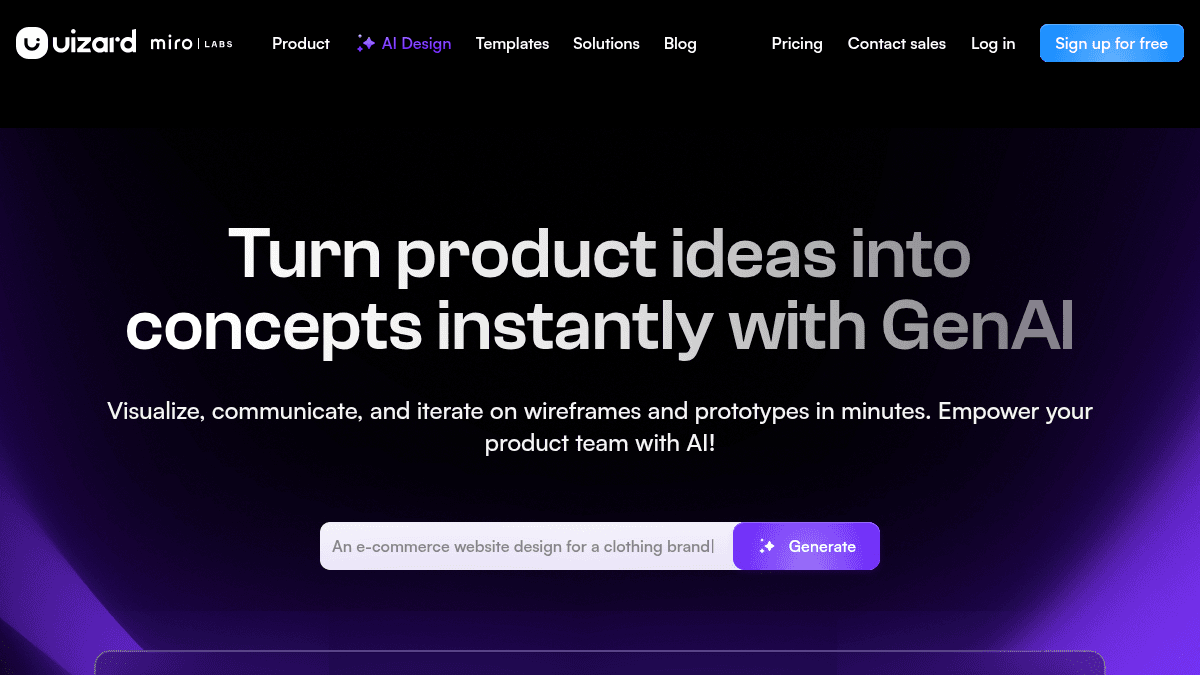
Uizard is an AI-powered UI design platform that lets product teams generate multi-screen, editable prototypes from simple text prompts. It targets product managers, designers, marketers, startup founders, and developers who need to create app, web, and tablet mockups fast — without deep design expertise. Unlike traditional tools like Figma or Sketch that require manual wireframing, Uizard automates UI generation so anyone comfortable with basic presentation software can produce polished designs.
The platform combines nine AI tools — including Autodesigner 2.0 for text-to-design generation, a Screenshot Scanner for converting screenshots into editable mockups, and a Wireframe Scanner for digitizing hand-drawn sketches. Real-time collaboration means entire product teams can contribute simultaneously, making it a practical alternative for cross-functional teams that find conventional design software too slow or inaccessible.
Key Benefits
- Generate multi-screen, clickable prototypes from a text prompt in under 60 seconds
- Turn screenshots into fully editable UI mockups using the Screenshot Scanner
- Digitize hand-drawn wireframe sketches instantly with the Wireframe Scanner
- Modify any component by selecting it and describing the desired change in plain English
- Get predictive heat maps that show where users will focus on your designs
- Collaborate in real time with your entire product team within the same project
How It Works
You start by signing up for free, then choose your target device type — mobile, web, tablet, or desktop. You write a text prompt describing the UI you want, pick a design style, and Autodesigner 2.0 generates a complete multi-screen, editable prototype in seconds. You can then scan screenshots or hand-drawn wireframes to bring external ideas into Uizard, select any component to modify via AI, or generate new screens and themes to expand the project scope.
Use Cases
- Product managers create clickable mockups in seconds to communicate feature ideas without waiting for design resources
- Startup founders build MVP prototypes from text descriptions to validate concepts before hiring a design team
- UX designers scan competitor screenshots and rapidly iterate on design variations using AI-assisted modifications
- Marketers at agencies deliver client-ready UI mockups at speed without deep Figma or Sketch skills
- Developers use screenshot-to-mockup conversion as a launchpad for front-end implementation
- Consultants turn rough hand-drawn wireframes into polished digital designs during client workshops
Why Choose This Product
Uizard suits cross-functional product teams that need design output fast and cannot afford the learning curve of traditional UI tools. It is especially useful when non-designers — product managers, founders, marketers — must produce mockups without depending on a dedicated design team. Note that Autodesigner 2.0 remains in Alpha, so AI-generated outputs may still require manual refinement for production-ready designs.
Key Features
Autodesigner 2.0
Generate complete multi-screen projects, individual screens, and themes from text prompts in seconds.
Screenshot Scanner
Turn screenshots into fully editable UI mockups instantly.
Wireframe Scanner
Digitize hand-drawn wireframe sketches into digital designs with no manual tracing.
AI Component Modification
Select any component and describe changes in plain English to iterate without manual editing.
Theme Generation
Generate new visual themes for entire projects to change styling across all screens in one action.
Multi-Screen Prototyping
Generate clickable, multi-screen prototypes that simulate complete user flows from a single prompt.
Predictive Heat Maps
Visualize where users will focus attention on any design to inform layout decisions.
Real-Time Collaboration
Work simultaneously with entire product teams on the same project, with AI assistance available to everyone.
Uizard Pricing
View full pricing →Pricing extracted from the product website and may change. Check the source for current details.
How Uizard compares
UizardThis | ||||
|---|---|---|---|---|
| Starting price | — | — | — | Free |
| Pricing model | Freemium | unknown | Freemium | Freemium |
| Platforms | — | Web | Web | Web |
| Top features |
|
|
|
|
| Rating | — | — | — | — |

