About UI Verse
What is Uiverse.io?
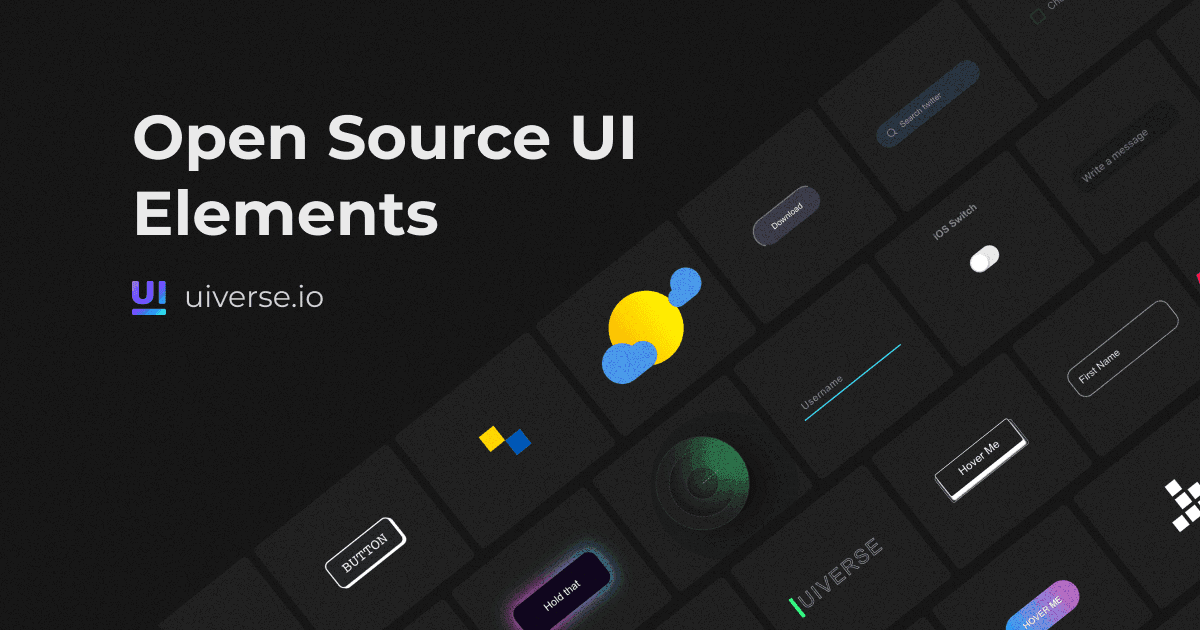
Uiverse.io is a comprehensive open-source library that provides web developers and designers with over 3,500 UI elements. These elements, crafted with CSS and Tailwind, are designed to facilitate and accelerate web development projects by offering ready-to-use components that can be easily integrated into any web project.
How Uiverse.io Works
Uiverse.io allows users to browse, customize, and download a wide variety of UI elements. Each element comes with its own source code, making it simple for developers to copy and implement directly into their projects. The platform supports a vibrant community where users can contribute their own designs and use others' contributions, fostering a collaborative environment.
What Problem Uiverse.io Solves
Uiverse.io addresses the challenge of time-consuming UI design for web projects by providing a vast library of pre-designed, customizable elements. This resource helps developers speed up the development process, focus on other critical aspects of their projects, and ensures that even those with limited design expertise can implement high-quality UI components.
Uiverse.io Features
- Extensive Library: Over 3,500 UI elements including buttons, cards, inputs, and more.
- Tailwind and CSS Integration: Elements are designed with popular CSS frameworks for seamless integration.
- Open Source and Community-Driven: Users can contribute to and benefit from the community's collective knowledge.
- Real-Time Customization: Elements come with customizable options that can be previewed in real-time.
- Figma Integration: Elements can be copied and used directly within Figma for design projects.
Pricing
Uiverse.io is completely free to use, making it an accessible resource for developers and designers at any level and budget.
Pros and Cons
Pros
- Cost-Effective: Free to use, offering extensive resources without any fees.
- Community Support: Strong community involvement with continuous contributions and updates.
- Ease of Use: User-friendly interface and easy integration of UI components.
Cons
- Overwhelming Variety: The vast number of options might be overwhelming for new users without guidance.
- Limited Advanced Features: While it offers a broad range of elements, some advanced functionalities found in paid tools might be missing.
Common Questions
How do I find a specific UI element on Uiverse.io?
You can use the search feature or browse by categories to find specific UI elements. Each listing is tagged for easy discovery.
Can I contribute my own UI designs to Uiverse.io?
Yes, Uiverse.io encourages community contributions. You can share your designs by uploading them to the platform.
Are there any restrictions on using Uiverse.io's elements in commercial projects?
No, all elements on Uiverse.io are free to use under the MIT license, suitable for both personal and commercial projects.
How often is Uiverse.io updated?
The platform frequently updates with new UI elements and features, driven by community contributions and the platform's development team.
Conclusion
Uiverse.io is a valuable resource for web developers and designers seeking to streamline their workflow with high-quality, ready-made UI components. Its extensive library, combined with robust community support, makes it an essential tool for both novice and experienced professionals aiming to enhance the aesthetic and functionality of their web projects efficiently. Explore Uiverse.io to start incorporating expertly designed UI elements into your next project
UI Verse Pros & Cons
- 100% free for personal and commercial use
- Copy elements as HTML/CSS, Tailwind, React, and Figma
- Large community: 7,450+ elements from 382,100+ contributors
- Active Discord community and open-source GitHub library
Key Features
Copy-ready code
Copy any element as HTML/CSS, Tailwind, or React, or paste it straight into Figma.
Search & tags
Find elements with keyword search and browse by over 300 tags covering styles like rounded, dark, gradient, and animated.
Curated collections
Browse grouped elements for common builds such as loading UI, button effects, glass cards, forms, and tooltips.
Free commercial use
Every element is free to copy and use for both personal and commercial projects.
Community library
Over 7,450 elements are contributed by a community of more than 382,100 members.
Open source on GitHub
The Uiverse Galaxy library is available as an open-source repo on GitHub.
Discord community
Join an open Discord space for UI designers and developers to connect and share.
UI Verse Pricing
Pricing extracted from the product website and may change. Check the source for current details.
Frequently asked questions about UI Verse
Is Uiverse free to use?
Yes. The page states every element is 100% free for personal and commercial use, so you can copy and use the UI components without paying anything.
Can I use Uiverse elements in commercial projects?
Yes. Uiverse marks its elements 100% free for personal and commercial use, so you can include them in client or production work.
What formats can I copy the UI elements in?
You can copy elements as HTML/CSS, Tailwind, and React, or paste them directly into Figma from any element page.
How do I use Uiverse elements in Figma?
Open any element page and copy and paste the design straight into Figma — no extra setup required.
Is UI Verse free?
Yes — UI Verse is free to use. See the pricing section for any optional add-ons.
What platforms does UI Verse support?
UI Verse is available on: Web.