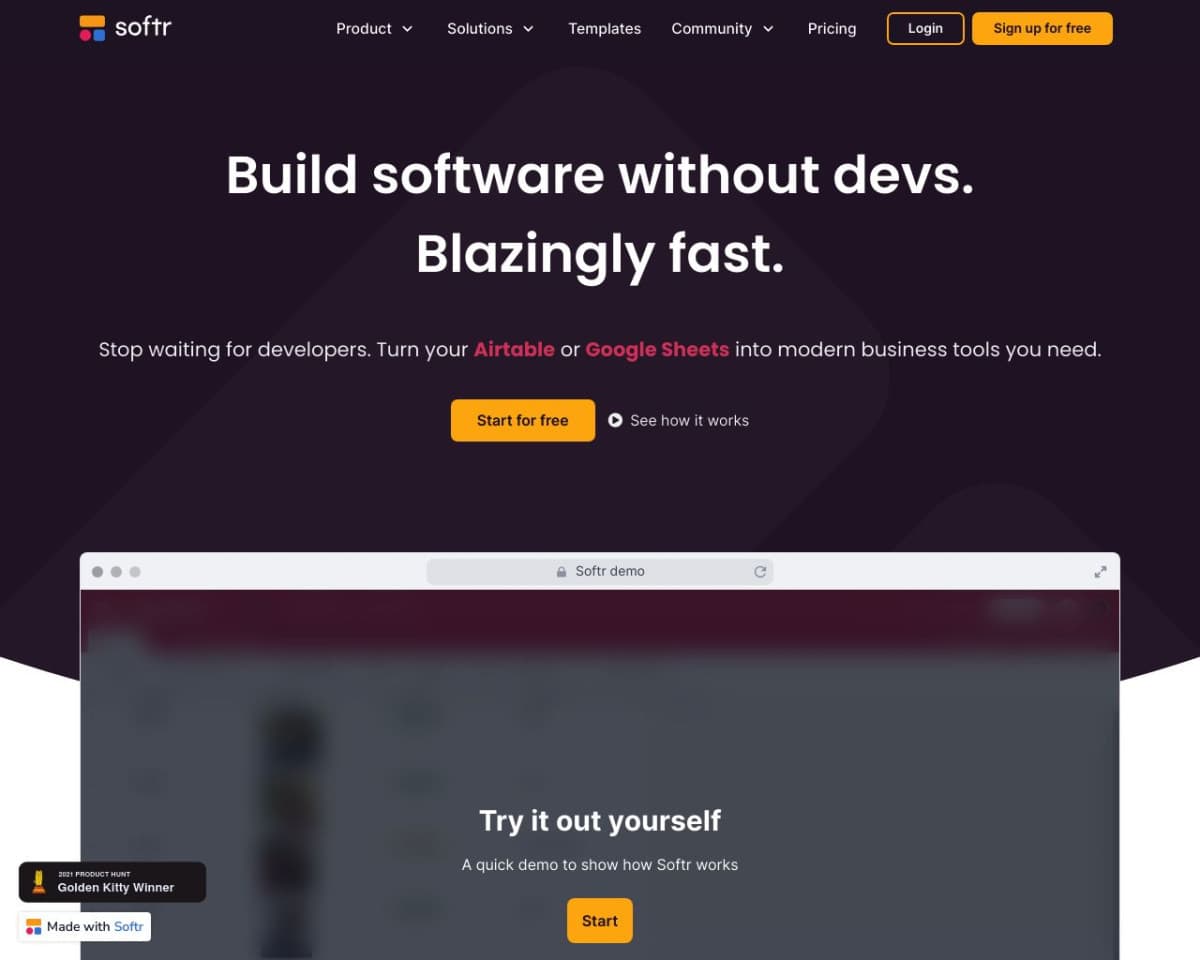
About Softr
What is Softr?
Softr is a no-code platform that enables users to build custom applications, such as client portals and internal tools, using data from Google Sheets, Airtable, and other databases. Its drag-and-drop interface allows for quick and easy app creation without the need for coding knowledge.
How Softr Works
Using Softr involves:
- Sign Up: Visit the Softr website and create an account.
- Connect Data: Link your Google Sheets, Airtable, or other data sources.
- Build Your App: Use pre-built blocks and the drag-and-drop editor to design your app.
- Customize: Set up user permissions, workflows, and integrations.
- Deploy: Publish your app and share it with users.
What Problem Softr Solves
Softr addresses the challenge of building functional web applications without technical expertise. It streamlines the process, making it accessible for businesses to create customized solutions quickly and efficiently.
Softr Features
- Drag-and-Drop Builder: Intuitive interface for designing apps.
- Pre-Built Blocks: Use lists, charts, forms, tables, and more.
- Templates: Start with customizable templates for various use cases.
- Integrations: Connect with tools like Zapier, Stripe, Google Analytics, and more.
- User Permissions: Define access levels for different users.
- Workflow Automation: Automate repetitive tasks to enhance productivity.
- Responsive Design: Ensure apps work seamlessly on all devices.
Pricing
Softr offers several pricing plans:
- Free Plan: Basic features with limited functionality.
- Starter Plan: $24/month, includes more customization options.
- Professional Plan: $65/month, offers advanced features and higher limits.
- Business Plan: $133/month, provides extensive features for larger teams.
Pros and Cons
Pros:
- User-friendly, no-code platform.
- Extensive library of templates and pre-built blocks.
- Powerful integrations with popular tools.
- Scalable plans to meet various business needs.
Cons:
- Limited features in the free plan.
- Higher-tier plans can be costly for small businesses.
Common Questions
How can I start using Softr?
Visit the Softr website, sign up, connect your data source, and start building your app using the drag-and-drop builder.
Is there a free version of Softr?
Yes, Softr offers a free plan with basic features and limited functionality.
What types of applications can I create with Softr?
You can create client portals, internal tools, CRMs, inventory management systems, and more.
How does Softr ensure data security?
Softr uses advanced security measures and complies with industry standards to protect user data.
Can Softr be used for professional business applications?
Absolutely. Softr provides robust features and integrations suitable for professional and business applications.
Conclusion
Softr is a versatile no-code platform that empowers users to build functional web applications quickly and efficiently. With its intuitive interface, extensive template library, and powerful integrations, Softr is an excellent choice for businesses looking to create custom solutions without coding.
Softr Pros & Cons
- Free plan includes unlimited apps and 36 integrations
- AI Co-Builder generates apps from natural-language descriptions
- Connects to 21+ data sources including Airtable, Notion, and SQL
- SOC 2 Type II compliant with GDPR-ready data hosting in Germany
- Used by 1 million+ teams and 7,000+ organizations
- Custom user groups limited to Pro and Business plans
- Two-factor authentication requires the Business plan
- Enterprise SSO (SAML, OpenID) and SCIM only on Enterprise plan
Key Features
AI Co-Builder
Describing the app you need generates the database, pages, user roles, and business logic automatically.
Softr Databases
Built-in relational databases let you manage operations and power apps without an external data source.
Workflow automation
Workflows trigger from button clicks, form submissions, schedules, or record changes to handle approvals and reminders.
Granular permissions
Pro+User groups and global data restrictions control which pages, records, and actions each user can access.
Data integrations
Softr connects to 21+ external data sources including Airtable, Notion, Google Sheets, HubSpot, and SQL databases.
Vibe Coding block
A block generates isolated custom UI components that inherit the app's theme, data connections, and permission rules.
AI Agents
AI Agents use GPT, Claude, and Gemini models to work on databases and workflows.
Mobile app (PWA)
BusinessBusiness plan includes an installable progressive web app with push notifications.
Ready templates
Hundreds of ready-made templates cover client portals, CRMs, intranets, and inventory management.
Softr Pricing
View full pricing →- 5 AI credits per month
- Unlimited apps, databases, workflows, agents, and forms
- Softr API & MCP and 36 integrations
- Up to 3 builders
- Up to 5 team and 5 client app users
- 5K database records and 500 workflow actions per month
- Everything in Free, plus a custom domain
- Conditional form logic
- Automated database backup
- 1 included builder
- 50K database records and 2.5K workflow actions per month
- Remove Softr branding
- Granular permissions and visibility
- Custom code and API connectors
- 2 included builders
- 500K database records and 10K workflow actions per month
- Two-factor authentication (2FA)
- Global data restrictions
- Installable mobile app (PWA) and push notifications
- 3 included builders
- 1M database records and 25K workflow actions per month
- SSO (SAML, OpenID)
- SCIM provisioning
- Audit logs and advanced security governance
- Custom agreements and SLAs
- Customer success manager and custom integrations
| Feature | Free Free | Basic $19/mo | Pro $99/mo | Business $329/mo | Enterprise Custom |
|---|---|---|---|---|---|
| 5 AI credits per month | |||||
| Unlimited apps, databases, workflows, agents, and forms | |||||
| Softr API & MCP and 36 integrations | |||||
| Up to 3 builders | |||||
| Up to 5 team and 5 client app users | |||||
| 5K database records and 500 workflow actions per month | |||||
| Everything in Free, plus a custom domain | |||||
| Conditional form logic | |||||
| Automated database backup | |||||
| 1 included builder | |||||
| 50K database records and 2.5K workflow actions per month | |||||
| Remove Softr branding | |||||
| Granular permissions and visibility | |||||
| Custom code and API connectors | |||||
| 2 included builders | |||||
| 500K database records and 10K workflow actions per month | |||||
| Two-factor authentication (2FA) | |||||
| Global data restrictions | |||||
| Installable mobile app (PWA) and push notifications | |||||
| 3 included builders | |||||
| 1M database records and 25K workflow actions per month | |||||
| SSO (SAML, OpenID) | |||||
| SCIM provisioning | |||||
| Audit logs and advanced security governance | |||||
| Custom agreements and SLAs | |||||
| Customer success manager and custom integrations |
Pricing extracted from the product website and may change. Check the source for current details.
Frequently asked questions about Softr
What is Softr?
Softr is an AI app builder for creating portals and internal tools for business operations without code. You describe the app you need and the AI Co-Builder creates the database, pages, user roles, and business logic. More than 1 million builders and 7,000 organizations build on Softr.
What can you build with Softr?
You can build CRMs, company intranets, inventory and asset trackers, custom forms, and internal dashboards. Client portals are the most common starting point, and teams often add internal tools alongside them. A department lead can manage the build while one app serves dozens to thousands of users.
Why use Softr instead of Airtable?
Softr differs from Airtable in permissions, pricing, and what runs underneath. User groups control which pages, data, and actions each user can access, Softr charges per app user instead of per seat, and it uses its own database and automation engine so you are not locked into one ecosystem.
What systems and data sources does Softr connect to?
Softr Databases is the native option, and Softr connects to 21+ external data sources. Airtable, Notion, Google Sheets, Coda, SmartSuite, Xano, Zoho CRM, and REST API are on every plan including Free. Pro adds monday.com, Supabase, and ClickUp; Business adds HubSpot, BigQuery, Excel, and SQL databases; Enterprise adds Salesforce and Snowflake.
Can Softr replace manual spreadsheet and email workflows?
Yes. Softr Workflows handles approvals, reminders, onboarding steps, ticket routing, and status updates. A workflow can trigger from a button click, a form submission, a schedule, or a record change, and record changes trigger instantly with Softr Databases rather than on a polling delay.
Can I stop one client from seeing another client's data?
Yes. Softr isolates client data with user groups and global data restrictions. It hides or shows whole pages, individual blocks, and action buttons based on group membership, and global data restrictions apply the same rules at record level. You preview the app as any user before publishing. Custom user groups are available on Pro (up to 3) and Business (up to 10).
