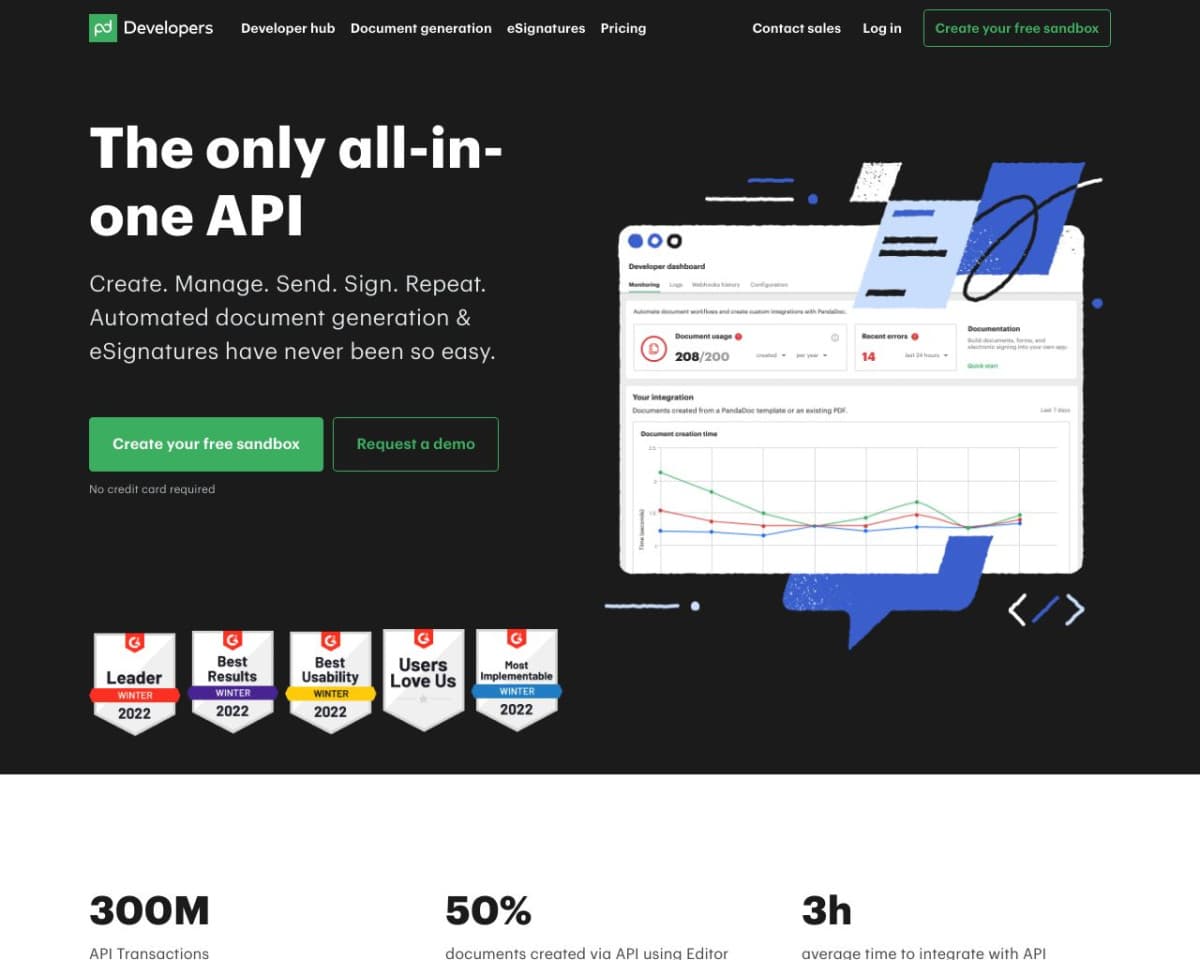
About PandaDoc API
What is PandaDoc?
PandaDoc is a comprehensive document management and automation platform designed to help businesses create, manage, and eSign digital documents, such as proposals, quotes, and contracts. It offers an API that enables developers to integrate these functionalities into their own applications, providing a seamless experience for document handling and eSignatures. With over 50,000 organizations utilizing PandaDoc, it stands out as a robust solution for streamlining document workflows.
How PandaDoc Works
PandaDoc operates by allowing users to create, edit, and manage documents through its web-based platform or integrate these capabilities into other applications using its API. The API provides endpoints for creating documents, sending them for eSignatures, and tracking their status. Developers can use these endpoints to automate document workflows, incorporate eSignatures, and integrate with various CRMs and other tools, ensuring a smooth and efficient document management process.
What Problem PandaDoc Solves
PandaDoc addresses the inefficiencies associated with manual document handling and signing. It eliminates the need for printing, scanning, and physically mailing documents by providing an all-digital solution. This not only speeds up the document signing process but also enhances accuracy and reduces errors. Businesses can track document status in real-time, ensuring transparency and accountability throughout the document lifecycle.
PandaDoc Features
E-Signatures
Legally binding eSignatures that streamline the signing process for both parties.
Document Templates
A library of customizable templates to quickly create professional documents.
Real-Time Tracking
Notifications and updates on document status, including when they are opened, viewed, and signed.
CRM Integration
Seamless integration with popular CRMs like Salesforce, HubSpot, and Zoho CRM.
Collaboration Tools
Features for collaborative editing and commenting on documents.
Automated Workflows
Automate repetitive tasks and standardize document workflows.
Document Analytics
In-depth analytics on document engagement and activity to optimize processes.
Secure Storage
Secure cloud storage for all documents, ensuring they are accessible and safe.
Pricing
PandaDoc offers several pricing tiers:
- Free Plan: Basic features including eSignatures and document uploads.
- Essentials Plan: $19 per user/month, includes templates, document analytics, and integrations.
- Business Plan: $49 per user/month, adds custom branding, approval workflows, and advanced integrations.
- Enterprise Plan: Custom pricing for large organizations needing advanced features and support.
Pros and Cons
Pros:
- Comprehensive document management features.
- Seamless integration with major CRMs.
- User-friendly interface with drag-and-drop editing.
- Real-time tracking and notifications.
- Secure and compliant eSignatures.
Cons:
- Advanced customization requires higher-tier plans.
- Real-time collaboration can sometimes be slow or glitchy.
Common Questions
How do I get started with PandaDoc API?
Sign up on the PandaDoc website to obtain an API key, then refer to the API documentation for integration instructions.
Is PandaDoc secure?
Yes, PandaDoc provides secure storage and legally binding eSignatures, ensuring compliance with various regulations.
Can PandaDoc integrate with my CRM?
PandaDoc integrates with many popular CRMs like Salesforce, HubSpot, and Zoho CRM, streamlining the document management process.
What kind of support does PandaDoc offer?
PandaDoc offers various support options, including online resources, tutorials, and customer support for all plans.
Conclusion
PandaDoc is a powerful tool for businesses looking to streamline their document workflows and enhance efficiency. Its robust features, seamless integrations, and comprehensive API make it an ideal choice for automating document management and eSignatures. Whether you're a small business or a large enterprise, PandaDoc offers scalable solutions to meet your needs.
PandaDoc API Pros & Cons
- Free sandbox with unlimited testing and Postman collection
- Free tier sends 60 documents/year without a credit card
- SOC 2 certified and E-SIGN, UETA, and HIPAA compliant
- SDKs for Node.js, Python, and more
- Native integrations with Salesforce, HubSpot, Slack, and others
- Free tier capped at 60 documents/year and 2 recipients per document
- Production use requires a paid PandaDoc plan with API access
- Free tier limited to 5 templates
Key Features
Document generation
All plansGenerate dynamic documents from templates, CRM data, or custom inputs in seconds.
Embedded signing
Fully embed document editing, sending, and signing inside your own application.
Automated routing
Auto-trigger document creation, approvals, sending, and signing without manual steps.
Secure e-signatures
Collect legally binding e-signatures with mobile and desktop-ready flows, backed by SOC 2, E-SIGN, and UETA compliance.
Sandbox testing
All plansUse the free sandbox environment with a Postman collection and example apps for unlimited testing.
Webhooks
Connect systems and trigger document events via webhooks and API endpoints to automate workflows.
Developer SDKs
All plansCall the API from Node.js, Python, and other languages, with a JavaScript SDK for web apps.
Document tracking
Track document status, update records, and trigger follow-up actions automatically across systems.
PandaDoc API Pricing
View full pricing →- Send 60 documents/year
- 2 recipients per document
- 5 templates
- Full sandbox for unlimited testing
- SDKs for fast integration
- Legally binding eSignatures
- 40 documents/month, scales with your volume
- Everything in Free
- Custom document volume
- CRM integrations (Salesforce, HubSpot)
- Notary
- Custom user management
- SSO and advanced security
- Enterprise-grade compliance
| Feature | Free Free | API Developer Plan $40/mo | Enterprise Custom |
|---|---|---|---|
| Document generation | |||
| Sandbox testing | |||
| Developer SDKs |
Pricing extracted from the product website and may change. Check the source for current details.
Frequently asked questions about PandaDoc API
What can I build with the PandaDoc API?
You can generate, send, sign, and automate documents, and integrate PandaDoc into your tech stack. Developers can embed document editing, sending, and signing, capture e-signatures, and automate routing and approval workflows.
Who is the PandaDoc API for?
The PandaDoc API is for developers, product teams, and platform engineers who need to build custom document systems. Teams in sales, HR, and procurement use it to eliminate document bottlenecks.
Can anyone try the API?
Yes. Anyone can sign up and use the free sandbox environment to explore the API. Moving a project into production requires a PandaDoc plan with API access.
Is there a sandbox environment for testing?
Yes. You can use the free sandbox environment, a Postman collection, and example apps. The API sandbox lets developers test document flows before committing to a solution.
What programming languages are supported?
The API can be called from any language that makes HTTP requests. PandaDoc offers SDKs for Node.js, Python, and more, plus a JavaScript SDK for web-based applications.
Is PandaDoc API secure and compliant?
Yes. PandaDoc maintains SOC 2 Type II certification and complies with GDPR, HIPAA, and other industry standards. Its e-signatures are legally binding under E-SIGN and UETA.