Best Software Development Tools in 2026
Building software involves more than writing code. This collection covers the work around it: Git clients such as Fork, browser and visual testing with BrowserStack and Percy, API documentation, and build and deployment tools. Browse the topic links to separate everyday development utilities from systems your whole engineering team will use.
Browse Development by topic
Developer Tools
The best AI developer tools fit into the loop developers already live in: reading code, changing it, testing it, reviewing the diff, and figuring out why something broke. They help explain unfamiliar repos, write unit tests, generate small chunks of boilerplate, debug failing builds, and clean up code that has grown awkward over time. Tools like GitHub Copilot, Cursor, and Replit are useful when they understand enough context to act like a careful pair programmer instead of a snippet generator. A frontend developer might paste in a tangled React component, ask for smaller hooks and better test coverage, then inspect the diff before merging. That is the right bargain: less grunt work, no outsourcing of judgment. Weak tools encourage copy-paste confidence. Strong ones make the next commit easier to understand, review, and maintain. If a tool cannot explain its change clearly, it should not be anywhere near production code.
Frontend Development
Frontend development tools are most useful when they sit close to the actual work: writing components, fixing layout bugs, reviewing state logic, and turning rough UI ideas into usable code. AI tools in this category can help generate React components, explain unfamiliar codebases, convert designs into HTML and CSS, or refactor a messy form before it ships. Tools like Cursor, v0, and GitHub Copilot are common choices, especially when developers want faster iteration without giving up control of the code. A frontend engineer might paste in a clunky dashboard component, ask for cleaner responsive behavior, then review the output line by line before committing anything. The good tools make reasonable guesses and expose their logic. The bad ones hide complexity behind confident snippets. Frontend still rewards taste, restraint, and a sharp eye for broken edge cases.
Open Source
The Open Source collection currently emphasizes app building and automation. Dyad supports local AI app-building workflows, while Appsmith, Budibase and ToolJet cover internal tools. Activepieces, Flowise and Automatisch address connected workflows or AI applications. GitHub also appears as a place to host and collaborate on projects, rather than as an interchangeable alternative to these tools. Start with the job you need a project to perform. Read the repository and license for the specific edition you plan to use. Public source code, self-hosting and an open-source license are different properties; check each instead of relying on a category tag. Look at release activity, documentation, issue responses and the work required for upgrades and backups. Compare paid-feature boundaries and any external API costs. Self-hosting gives you responsibilities as well as control, so budget maintenance time alongside infrastructure costs.
Version Control
Version control systems are software tools that track and manage changes to files, code, and digital projects over time. These platforms create a complete history of modifications, allowing teams to understand what changed, when it changed, and who made each change. Version control systems enable developers, technical teams, and collaborative projects to maintain organized repositories of their work while preventing accidental data loss and conflicts. The primary use cases for version control include software development, where teams coordinate code changes across multiple developers and branches. These tools also support documentation management, configuration file tracking, and content collaboration. Key features typically include branching and merging capabilities, conflict resolution mechanisms, rollback functionality to previous versions, and audit trails for compliance purposes. Version control systems serve several audiences: software development teams use them to coordinate work efficiently, individual developers benefit from backup and recovery capabilities, DevOps teams leverage them in continuous integration and deployment pipelines, and organizations utilize them for regulatory compliance and accountability. Both distributed systems like Git and centralized architectures serve different organizational needs, making version control essential infrastructure for any team managing digital assets or collaborative projects where change tracking and coordination are critical requirements.
Dev Servers
The Dev Servers listings focus on publishing and running projects, from static websites to applications with a backend. GitHub Pages, Cloudflare Pages and Surge cover static-site workflows, while Fly.io, Heroku and Render represent application deployment options. DigitalOcean and Vercel broaden the infrastructure choices. Start by identifying what your project needs to run, because a static host and an application platform support different workloads. Check your framework and runtime, build process, environment variables, custom domains and rollback options. For backend workloads, also examine persistent storage, scheduled jobs, logs and database connections. Estimate costs using expected traffic, compute and storage, then deploy a small version of your actual project. Compare operational work as well as price: who handles updates, incident investigation and recovery when a deployment fails?
Documentation Tools
Documentation tools serve different readers. MkDocs, Docusaurus, docsify, VuePress and Sphinx help turn technical source files into project documentation. GitBook offers another publishing workflow, while ReadMe focuses on interactive API documentation. This category also includes design-system resources such as zeroheight, Knapsack and Backlight, where component guidance and shared standards matter alongside written explanations. Choose around what readers need to do: follow a tutorial, understand an endpoint or apply a component correctly. Test navigation and search with real questions, and compare source formats, versioning, preview environments and reviewer access. For API references, examine how examples stay aligned with the API. For design systems, check how guidance connects to design assets and working components. Assign content ownership before launch; a polished documentation site still needs a reliable update process.

Build and scale websites, apps, and prototypes by chatting with AI — with built-in hosting, databases, SEO, and enterprise-grade infrastructure.


Describe what to build in natural language, generate full-stack web apps with AI, and deploy to production in seconds

OneBucksVPN is a Telegram-first VPN service for Russian-speaking users, with a 24-hour trial, unlimited traffic, and AmneziaWG-compatible setup for ph...

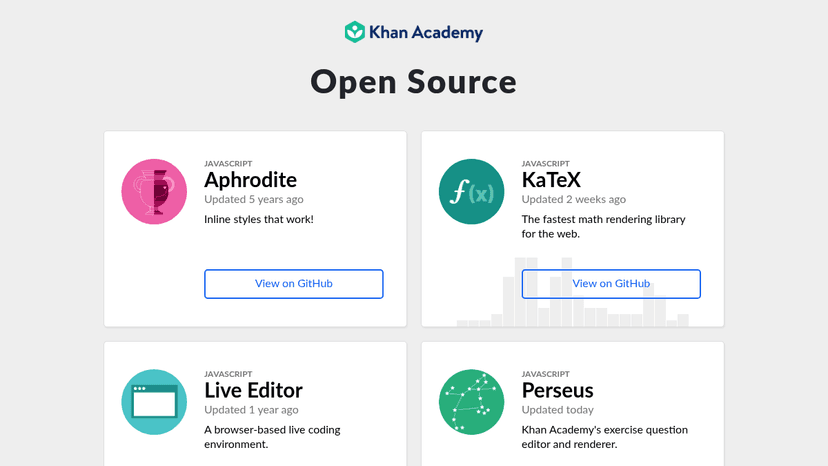
A collection of open-source libraries and tools built by Khan Academy for developers, spanning JavaScript utilities, React components, machine learnin...


Find and fix accessibility issues across design, code, and live products up to 10x faster than competitors

Community-driven resources and guidance to make digital accessibility easier for designers, developers, and organizations


Build web projects faster with 404 HTML, CSS, and JS components — one-time payment, lifetime access, no framework lock-in.
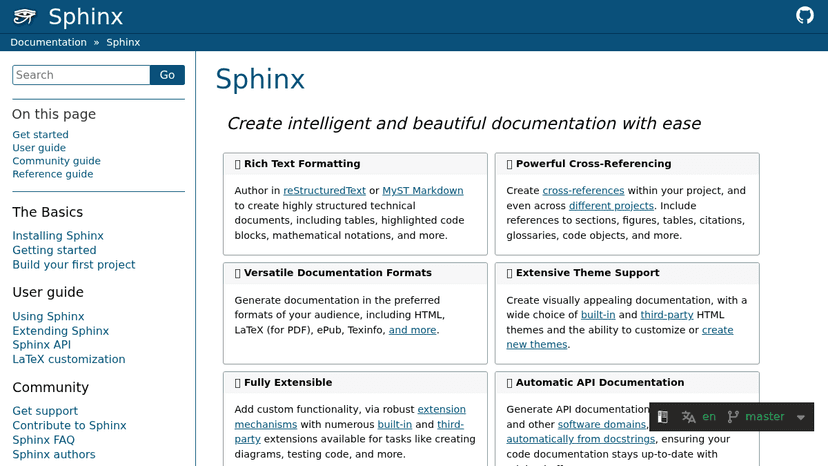
Create intelligent and beautiful technical documentation — generate HTML, PDF, and ePub from reStructuredText or Markdown with automatic API docs and ...

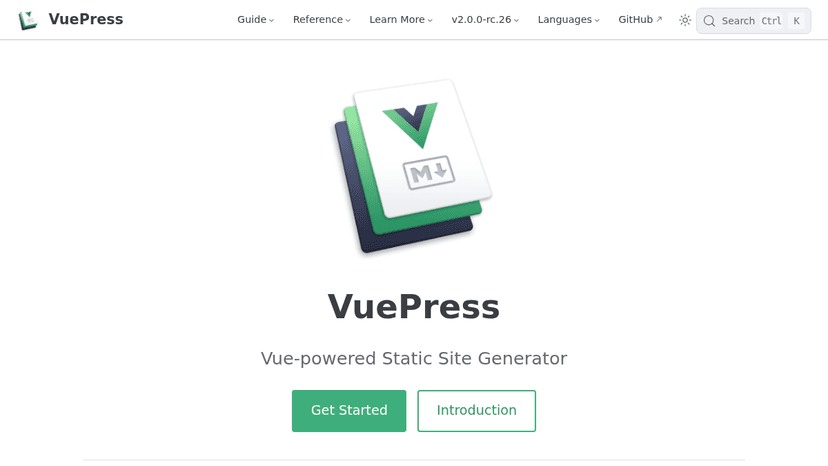
Vue-powered static site generator with minimal markdown setup, Vue components in content, pre-rendered HTML, and an SPA experience once loaded.

Free, open source accessibility testing tools for developers and designers to identify and fix web accessibility issues
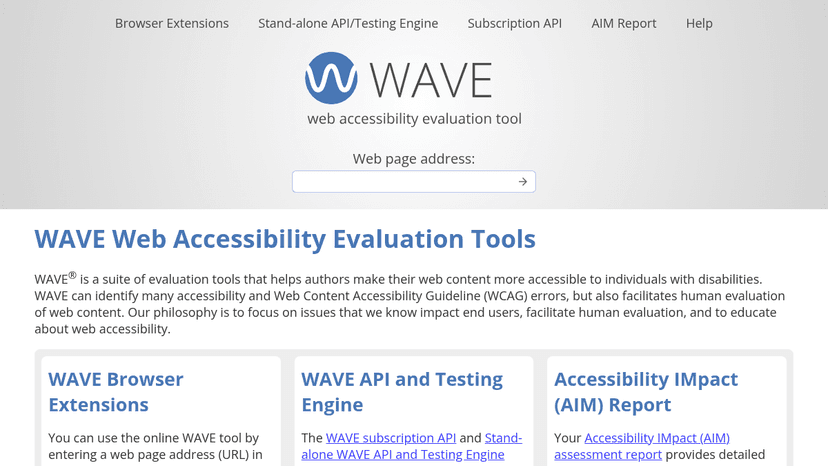
Test and fix web accessibility errors across browsers and infrastructure—focus on real user impact, not just WCAG compliance


Move code from plan to main with visual Git tools, AI-powered workflows, and engineering intelligence for teams

Remove unused CSS from your project to reduce file size and speed up page loads

A mighty CSS linter that helps you avoid errors and enforce conventions


Convert 200+ file formats online or via API — pay only for what you convert, with free daily credits included.


Convert files between 300+ formats online — documents, images, video, audio, and more — all in the cloud with no software install.

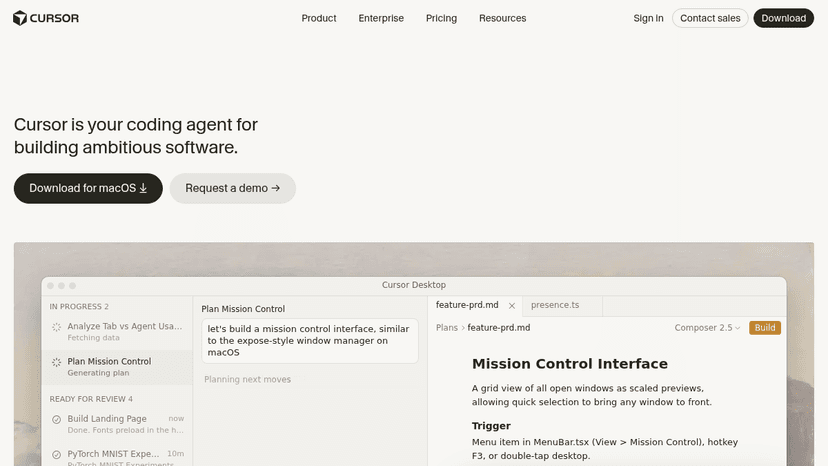
AI coding agent that writes, edits, and debugs your code in an IDE, terminal, Slack, and GitHub — so you focus on decisions, not boilerplate


AI-ready documentation that stays accurate at scale—keep docs in sync with your product and answer user questions automatically

Build fast, SEO-optimized documentation websites from Markdown and React — focus on content, not infrastructure
About Software Development Tools
Choose around a specific bottleneck. For testing, check browser coverage and how failures reach your team; for API documentation, check compatibility with your API definitions; for delivery, check your hosting targets and pipeline setup. A tool that fits your existing stack is usually easier to adopt than one that requires changing the entire workflow.
Compare top 5 Software Development Tools
Side-by-side highlights for the top-ranked products in this category. Products whose main category this is come first, then by featured placement, upvotes, ratings, and review count.
| Compare |  GitHub Issues Product page |  Dispatch Product page |  Superlog Product page | F Fork Product page |  BrowserStack Product page |
|---|---|---|---|---|---|
| Best for | Track issues, break complex work into sub-issues, and plan projects with custom fields and automated workflows — built into every GitHub repository. | A one-time Mac toolkit for indie Apple developers: research App Store niches, prepare ASO metadata, and pre-flight your launch before submission — all on-device. | Automate bug triage, support questions, and performance reviews, and get fixes as pull requests. Bring your own model keys or subscriptions on any plan. | A fast and friendly git client for Mac and Windows with visual interactive rebase, merge conflict resolution, and GitHub notifications. | Instant cloud access to 30,000+ real devices and 3,500+ browser combinations for manual, automated, visual, and accessibility testing — powered by AI agents |
| Pricing | Freemium | one_time | Freemium | $59.99 one-time | Freemium |
| Platforms | Web, macOS, Windows, Linux, iOS, Android | macOS, iOS | Web | macOS, Windows | Web |
| Rating | — | — | — | — | — |
| Upvotes | 0 | 0 | 0 | 0 | 0 |
| Verified | No | No | No | No | No |
| Launch date | — | — | — | — | — |
Development FAQ
Common questions about this category, how we rank products, and how often the page is refreshed.
What are the best Software Development Tools on MazikBox?
The top-ranked Development products right now are GitHub Issues, Dispatch, and Superlog. The comparison table above shows them side by side.
How do you rank Development products?
Products whose main category is Development (or one of its subcategories) are listed first, followed by products that also fit the category. Within each group we order by featured placement, then upvotes, average rating, review count, and newest listing. Featured placement is an editorial choice, not a quality score.
What pricing models are common for Software Development Tools?
On this page you will find freemium, one_time, and paid ($59.99 one-time) options, depending on the tool. Check the comparison table and individual product pages for specifics.
Which platforms do these Software Development Tools support?
The products currently shown in this category support web, macOS, windows, linux, iOS, and android workflows. Platform coverage varies by tool, so compare product pages before choosing one.
How often is this Development page updated?
The category description and details were last edited on October 5, 2026. The product list, ranking, and counts update automatically as products, votes, and reviews change.
How many Software Development Tools are listed right now?
MazikBox currently lists 280 Development products in this category, with more added as they meet our editorial standards and category fit.