Best Developer Tools in 2026
The best AI developer tools fit into the loop developers already live in: reading code, changing it, testing it, reviewing the diff, and figuring out why something broke. They help explain unfamiliar repos, write unit tests, generate small chunks of boilerplate, debug failing builds, and clean up code that has grown awkward over time.

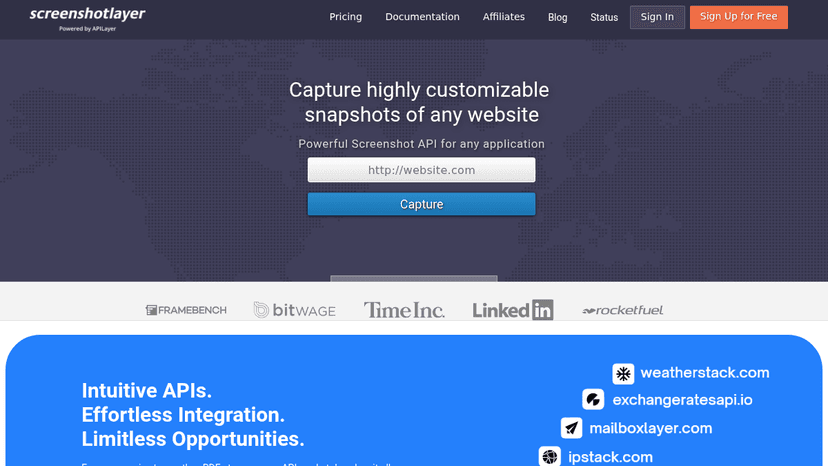
Capture high-resolution website screenshots via a simple API — free for 100 shots per month, with customizable viewports, CSS injection, and fast CDN ...


A screenshot API that delivers provable, defensible web captures — full pages, clean of clutter, with forensic context and stealth-mode rendering

Get fast, real-time website screenshots with a live-streaming API — no waiting, 1,000 impressions free per month

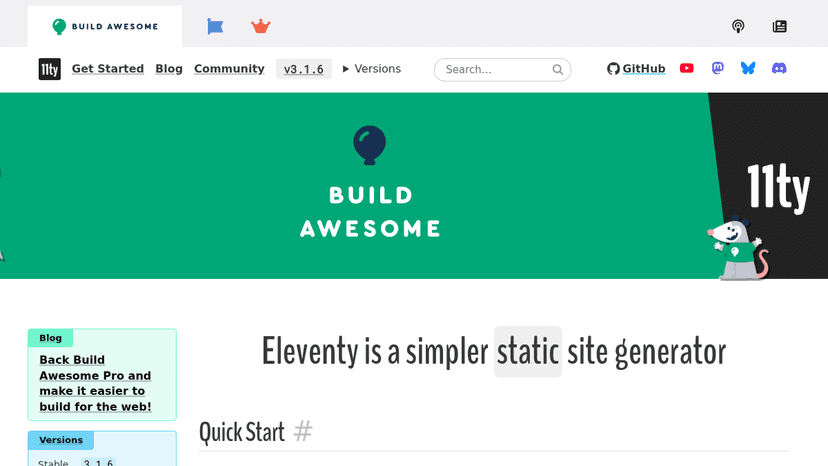
A simpler static site generator that compiles templates into fast, zero-client-JavaScript output sites.

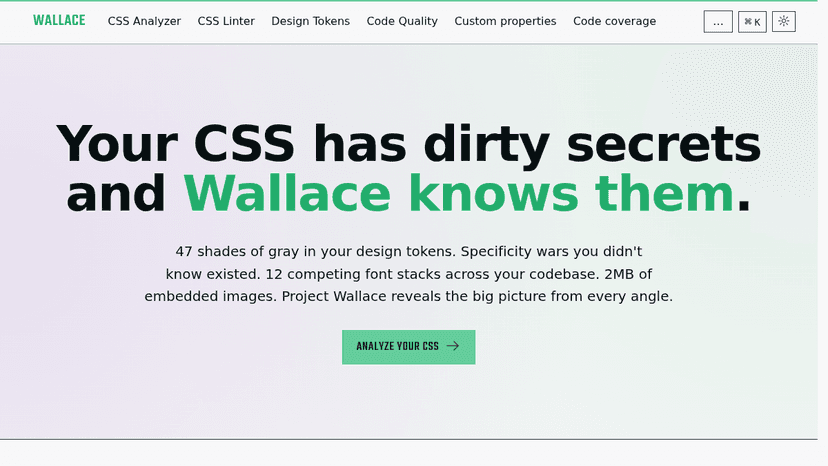
The best CSS Analyzer on the web. Check your CSS complexity, specificity, performance, design tokens and much more.
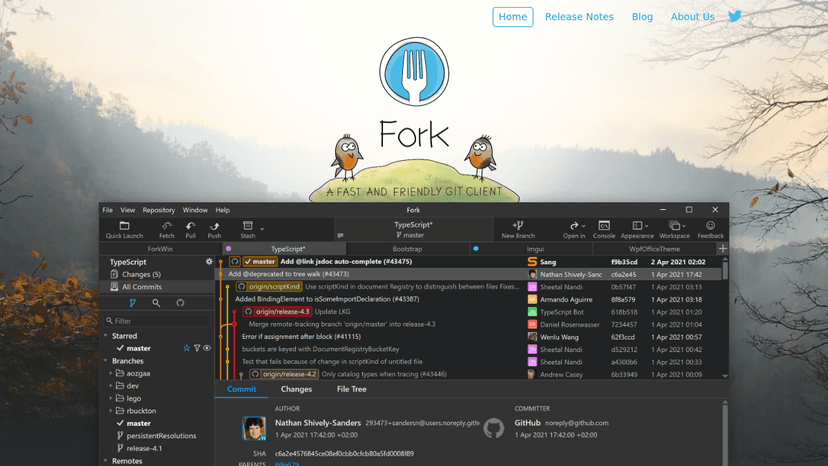
A fast and friendly git client for Mac and Windows with visual interactive rebase, merge conflict resolution, and GitHub notifications.
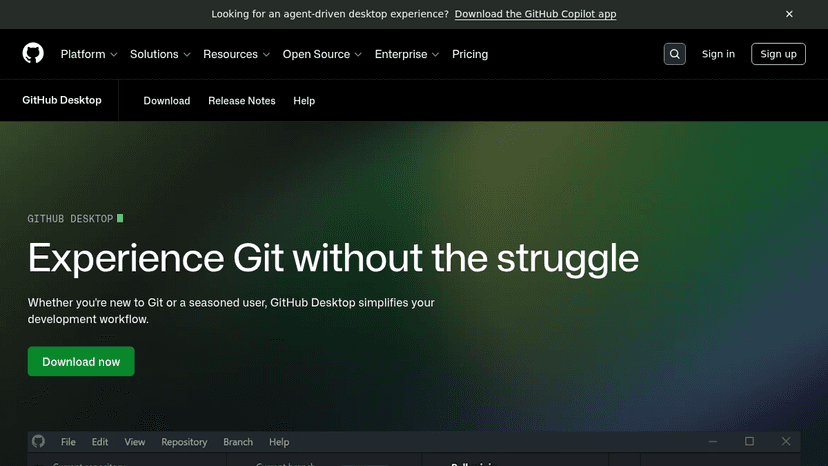
Simplify your development workflow with a GUI for Git that lets you review changes, manage commits, and stash work-in-progress without the command lin...
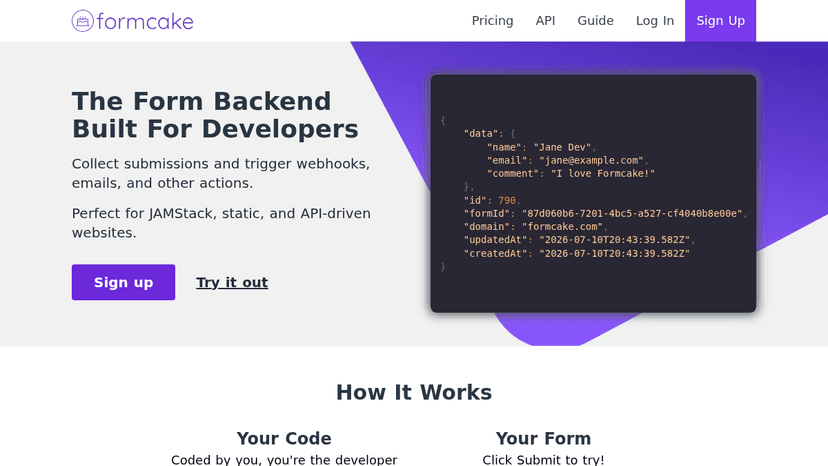
Collect form submissions and trigger webhooks, emails, and other actions from any static, JAMStack, or API-driven website
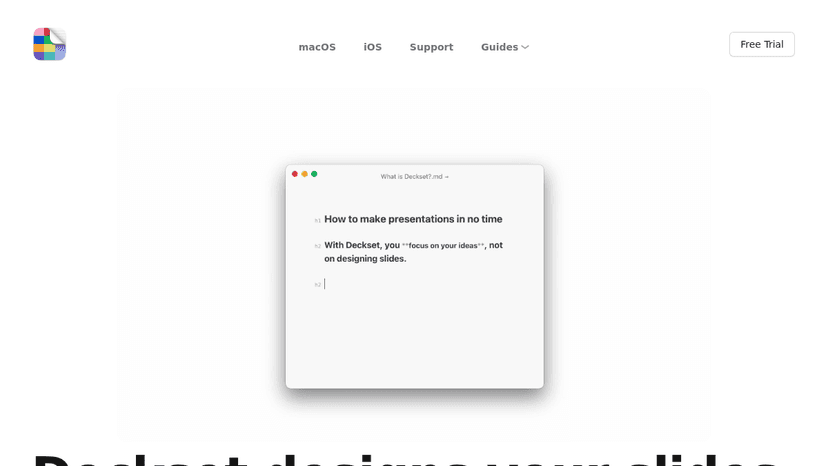
Write presentations in Markdown using any text editor, and Deckset automatically designs your slides on macOS and iOS

Turn plain text into static websites and blogs with no databases, no updates, and free GitHub Pages hosting


Automated website change detection, monitoring and alerts — track web pages for visual updates at scale and build competitive intelligence archives

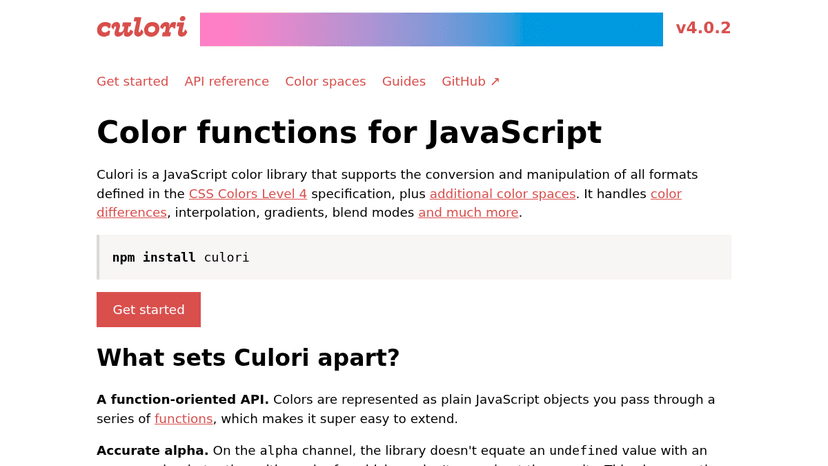
Convert, manipulate, and interpolate colors in JavaScript — supports all CSS Colors Level 4 color spaces with a tree-shakeable, function-oriented API.
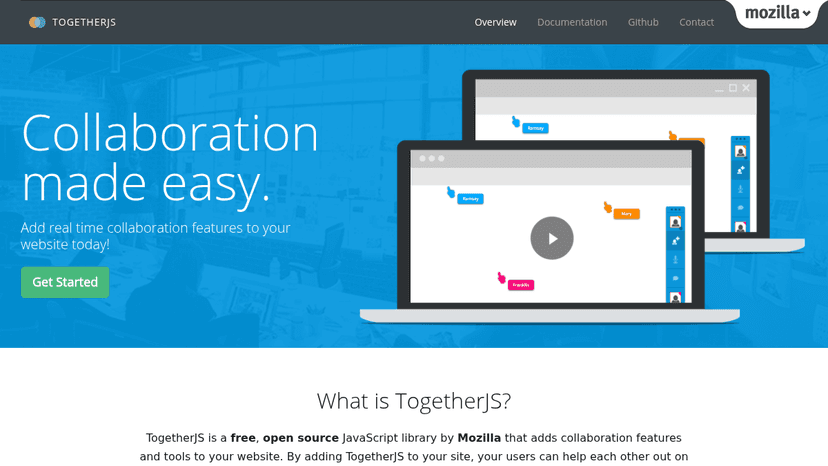
Add real-time collaboration features to your website with a free, open source JavaScript library by Mozilla — no plugins or server setup required

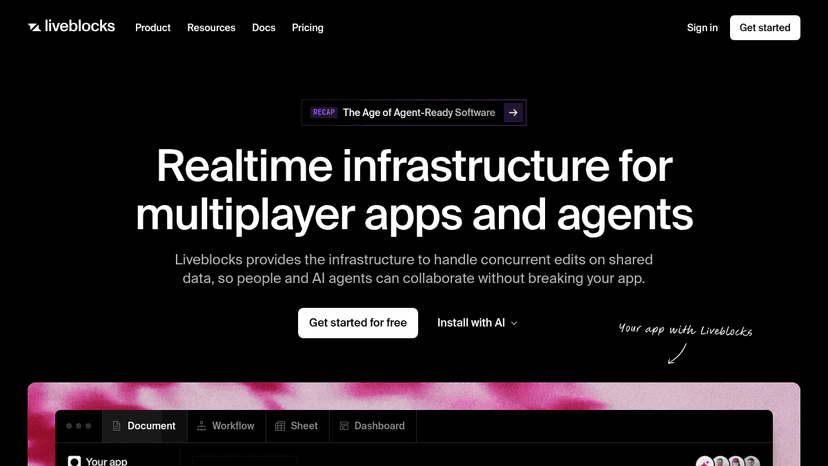
Realtime infrastructure for multiplayer apps and AI agents — sync data, presence, and comments so people and AI collaborate without breaking your app.
Get free, reliable fake REST API data for testing and prototyping — with full CRUD, six related resources, and 3 billion requests served each month

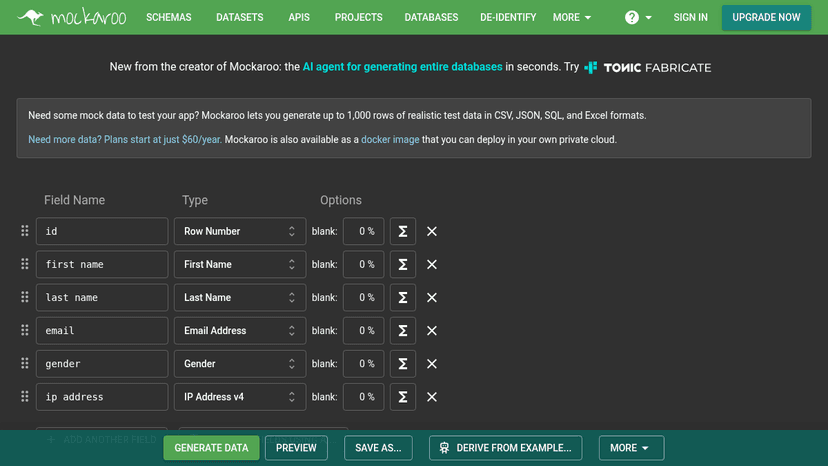
Generate realistic test data and mock APIs in CSV, JSON, SQL, and Excel — no programming required. Plans start at $60/year.


Lightweight REST API client built into VS Code and JetBrains — test APIs locally, sync collections via Git, and collaborate without leaving your edito...


An AI-native open-source API platform for designing, debugging, testing, and mocking REST, GraphQL, gRPC, WebSocket, and SOAP APIs with local, Git, or...
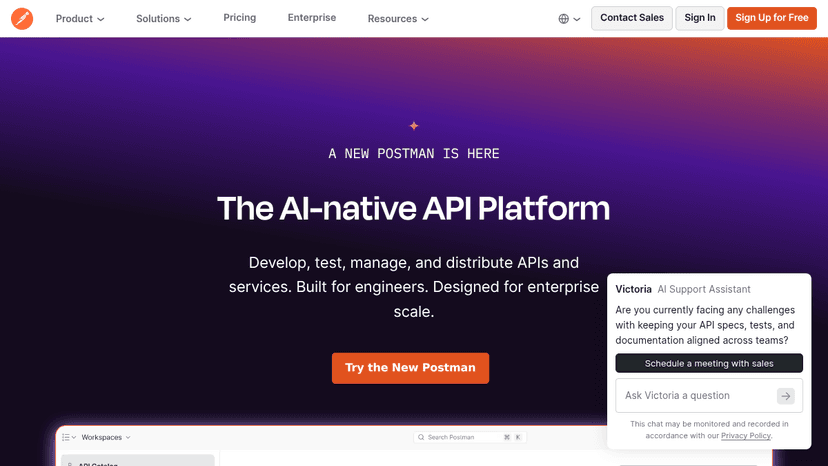
Develop, test, manage, and distribute APIs and services with AI-native tooling for engineers at any scale.

Build custom HTML and JavaScript forms. Submit to our API. We handle spam filtering, email delivery, and third-party integrations — no server code req...
About Developer Tools
Tools like GitHub Copilot, Cursor, and Replit are useful when they understand enough context to act like a careful pair programmer instead of a snippet generator. A frontend developer might paste in a tangled React component, ask for smaller hooks and better test coverage, then inspect the diff before merging. That is the right bargain: less grunt work, no outsourcing of judgment.
Weak tools encourage copy-paste confidence. Strong ones make the next commit easier to understand, review, and maintain. If a tool cannot explain its change clearly, it should not be anywhere near production code.
Compare top 5 Developer Tools
Side-by-side highlights for the top-ranked products in this category. Products whose main category this is come first, then by featured placement, upvotes, ratings, and review count.
| Compare |  LaReview Product page | T Tamagui Product page | A Aurora Editor Overview Product page | F Foundation Product page | P PaperCSS Product page |
|---|---|---|---|---|---|
| Best for | Turn code changes into structured review plans and high-signal feedback — local-first, free, and built for senior engineers who value depth over comment spam. | Write less, run faster — a cross-platform React and React Native style library with an optimizing compiler, typed UI kit, and atomic CSS for web and native apps. | A community-built IDE for macOS delivering native performance and advanced developer features — built by developers, for developers. | Build responsive websites, apps, and HTML emails for any device — semantic, customizable, and backed by professional training and certification. | A hand-drawn, sketchy CSS framework for building web UIs with a casual, informal aesthetic — no heavy setup, no subscription, just drop in and go. |
| Pricing | Free | Freemium | — | Freemium | Free |
| Platforms | macOS, Linux, Windows | Web, iOS, Android | macOS | Web | Web |
| Rating | — | — | — | — | — |
| Upvotes | 0 | 0 | 0 | 0 | 0 |
| Verified | No | No | No | No | No |
| Launch date | — | — | — | — | — |
Developer Tools FAQ
Common questions about this category, how we rank products, and how often the page is refreshed.
What are the best Developer Tools on MazikBox?
The top-ranked Developer Tools products right now are LaReview, Tamagui, and Aurora Editor Overview. The comparison table above shows them side by side.
How do you rank Developer Tools products?
Products whose main category is Developer Tools (or one of its subcategories) are listed first, followed by products that also fit the category. Within each group we order by featured placement, then upvotes, average rating, review count, and newest listing. Featured placement is an editorial choice, not a quality score.
What pricing models are common for Developer Tools?
On this page you will find free and freemium options, depending on the tool. Check the comparison table and individual product pages for specifics.
Which platforms do these Developer Tools support?
The products currently shown in this category support macOS, linux, windows, web, iOS, and android workflows. Platform coverage varies by tool, so compare product pages before choosing one.
How often is this Developer Tools page updated?
The category description and details were last edited on September 5, 2026. The product list, ranking, and counts update automatically as products, votes, and reviews change.
How many Developer Tools are listed right now?
MazikBox currently lists 83 Developer Tools products in this category, with more added as they meet our editorial standards and category fit.